

Google’s Veo 3.1 was updated in January, bringing focused improvements that push image-to-video workflows closer to production quality. The 3.1 update centers on four practical upgrades that make image→video workflows dramatically more usable for creators and developers: a beefed-up “Ingredients to Video” pipeline for generating dynamic clips from reference images, stronger consistency across characters and scenes, native vertical (9:16) output for mobile-first platforms, and new high-fidelity output options including improved 1080p and 4K upscaling. For creators and developers who have been working around the “crop-then-edit” workflow for social vertical formats, Veo 3.1’s native 9:16 output and improved upscaling promise to reduce friction and deliver more polished, platform-ready clips.
For developers and media professionals, Veo 3.1 is not just about higher pixels; it is about consistency. The update directly addresses the "flicker" and identity loss issues that have plagued AI video, offering a toolset capable of maintaining character and stylistic fidelity across multiple shots, effectively challenging OpenAI's Sora 2.0 for dominance in the high-end generative media market.
What defines the Veo 3.1 architecture?
Veo 3.1 is built on an enhanced transformer-based diffusion architecture that has been fine-tuned for multimodal understanding. Unlike its predecessors, which primarily mapped text to video, Veo 3.1 treats visual inputs (images) as first-class citizens alongside text prompts.
This architectural shift allows the model to "see" the assets a user provides—such as a product shot, a character reference, or a specific background—and animate them with a deep understanding of 3D geometry and lighting. The result is a system that feels less like a slot machine and more like a digital rendering engine.
What changed in 3.1 new versus prior versions?
- Richer synthesis of references: The model better extracts characteristics (face, clothing, surface textures, background elements) and reuses them reliably across multiple frames, so characters look like the same character across the clip.
- Smarter composition: Instead of cropping a landscape frame to fit a vertical canvas (or vice versa), Veo 3.1 generates vertical compositions natively (9:16) so the subject placement, depth cues and motion feel composed for the format (critical for TikTok/Shorts/Reels creative).
- Faster iteration for short-form content: The UX and the model are tuned for 8-second “social-first” output in many product contexts (Gemini app, Flow), letting creators experiment quickly.
How does “Ingredients to Video” work and what’s new in 3.1?
The standout feature of this release is the overhauled "Ingredients to Video" capability. This feature allows users to provide distinct visual "ingredients" that the model must utilize in the final output, effectively bridging the gap between asset management and video generation.
What is the “Ingredients to Video” concept?
In previous versions, "Image-to-Video" was largely a single-image animation task. Veo 3.1 expands this by allowing users to upload multiple reference images (up to three) to define the scene. These assets act as the subject (person, object, texture, or background), and the model composes motion, camera framing and transitions around them to produce a short video that keeps the supplied visual identity intact. This is distinct from pure text-to-video because it places stronger constraints on appearance and visual continuity from the outset.
- Contextual Blending: You can upload an image of a person (Character A), an image of a location (Background B), and a style reference (Style C). Veo 3.1 synthesizes these distinct elements into a cohesive video where Character A is acting within Environment B, rendered in Style C.
- Multimodal Prompting: This visual input works in tandem with text. You can provide a product image and a text prompt saying "explode into particles," and the model adheres strictly to the visual details of the product while executing the physics of the text prompt.
What’s new in Veo 3.1’s Ingredients mode?
Veo 3.1 introduces several concrete improvements to the Ingredients flow:
- Expressiveness from minimal prompts: Even short textual prompts yield richer narrative and emotive motion when paired with ingredient images, making it easier to get usable results with fewer iterations.
- Stronger subject identity preservation: The model better preserves a subject’s visual identity (face, costume, product markings) across multiple shots and scene changes. This reduces the need to re-supply assets for continuity.
- Object and background consistency: Objects and scene elements can persist across cuts, improving storytelling coherence and enabling re-use of props or textures.
- Automatically adds dynamic actions and narrative rhythm to the scene;
- Output videos are richer in "storytelling" and "facial details," enhancing the naturalness of human visual perception.
These improvements are designed to reduce the most common pain points for image-to-video generation: subject drift, background inconsistency, and loss of stylization when moving between frames.
Practical use cases for Ingredients to Video
- Animate brand mascots from design assets.
- Turn portrait photos of actors into motion clips for social ads.
- Rapid prototyping of visual treatments (lighting, textures) before a full production pass.
What consistency upgrades did Veo 3.1 introduce?
In any multi-shot or multi-scene generated sequence, maintaining subject identity (face, clothing, product labels), object placement, and background continuity is essential for narrative credibility. Inconsistencies—slight changes in facial structure, object shape or texture—break the viewer’s suspension of disbelief and require manual intervention or re-generation. Prior generations of video models often traded flexibility for coherence; Veo 3.1 seeks to narrow that tradeoff.
Veo 3.1 makes it feasible to construct short sequences and story beats that read as continuous narrative rather than a series of standalone vignettes. This improvement as central to the 3.1 experience:
- Temporal Stability: The model significantly reduces the "morphing" effect where faces or objects subtly change shape over time.
- Shot-to-Shot Coherence: By using the same "ingredient" images across different prompts, creators can generate multiple clips of the same character in different scenarios without them looking like different people. This is a massive leap forward for brand guidelines and episodic content creation.
- Texture Blending: Allowing characters, objects, and stylized backgrounds to blend naturally, generating high-quality videos with a unified style.
Practical impact
For editors and social creators this means fewer corrections and less rotoscoping; for developers and studios it lowers friction when automating multi-shot sequences, and reduces the manual curation needed to maintain visual continuity across assets.
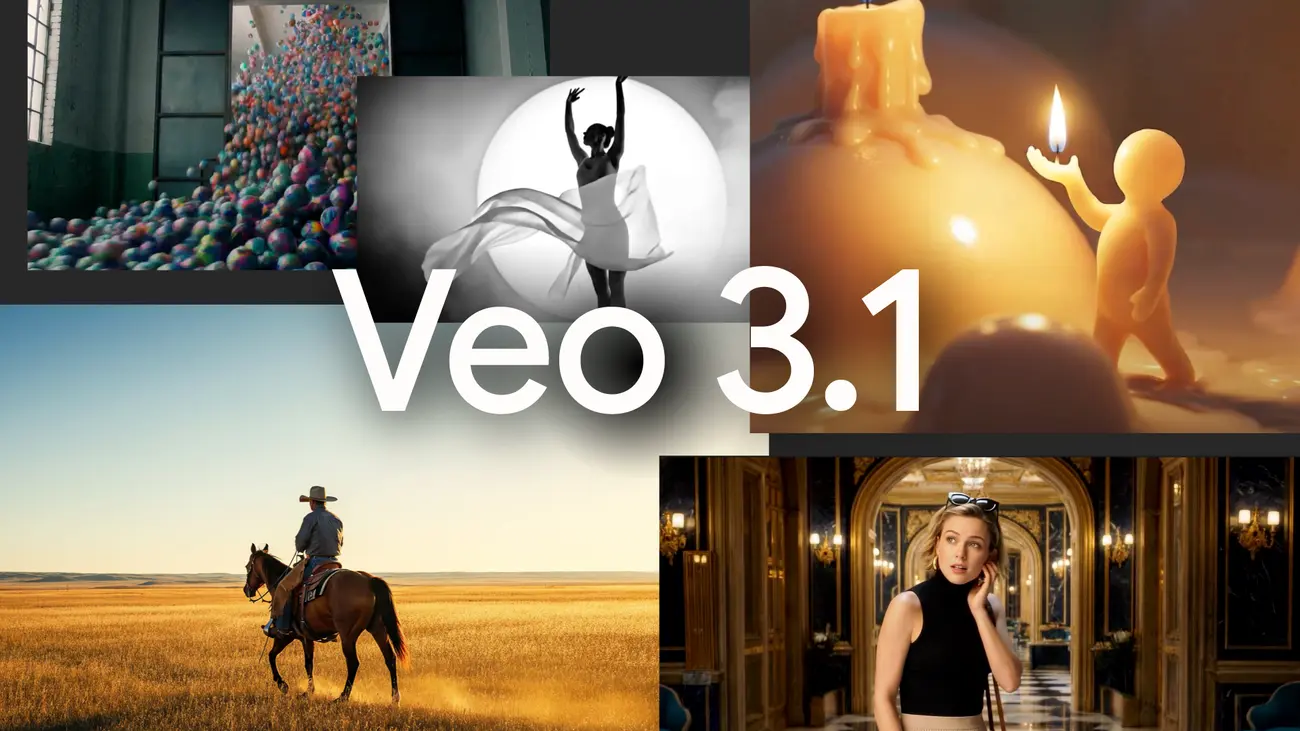
Veo 3.1 Output Upgrades: Vertical and High-Fidelity Output
Native Vertical Output
With the dominance of TikTok, YouTube Shorts, and Instagram Reels, the demand for high-quality vertical video is insatiable. Veo 3.1 finally treats this format with the seriousness it deserves.
Veo 3.1 introduces native 9:16 aspect ratio generation.
- No Cropping: Unlike earlier workflows that generated a square or landscape video and cropped it (losing resolution and framing), Veo 3.1 composes the shot vertically from the start.
- Framing Intelligence: The model understands vertical composition rules, ensuring that subjects are centered and tall structures are utilized effectively, rather than generating wide horizons that look awkward when squeezed into a phone screen.
How native vertical generation changes workflows
- Faster publishing: No post-generation cropping and reframing needed.
- Better composition: Model composes scenes with vertical framing in mind (headroom, action paths).
- Platform-ready: Exports suitable for TikTok and Shorts with minimal editing.
High-Fidelity Output
Resolution has been a major bottleneck for AI video. Veo 3.1 shatters the 720p/1080p ceiling with native 4K support.
- Integrated Upscaling: The pipeline includes a new super-resolution module that upscales generated content to 4K (3840x2160) or 1080p with high bitrate fidelity.
- Artifact Reduction: The upscaler is trained specifically on generative artifacts, allowing it to smooth out the "shimmer" often seen in AI textures while sharpening edges, making the output suitable for professional editing timelines.
How does Veo 3.1 stack up against Sora 2.0?
The comparison between Google's Veo 3.1 and OpenAI's Sora 2.0 defines the current landscape of AI video. While both are powerful, they serve different masters.
| Feature | Google Veo 3.1 | OpenAI Sora 2.0 |
|---|---|---|
| Primary Philosophy | Control & consistency. Designed for production workflows where specific assets (products, characters) must be respected. | Simulation & Physics. Designed to simulate the real world with high fidelity, focusing on "one-shot" generation magic. Text-to-video and image-to-video with emphasis on photorealism, physical accuracy, and synchronized audio. |
| Input Flexibility | High. "Ingredients to Video" allows multi-image injection for precise asset control. | Medium. Strong text-to-video and single-image start frames, but less granular control over specific elements. |
| Vertical Video | Native 9:16. Optimized composition for mobile formats. | Supported, but often favors cinematic 16:9 widescreen visuals in training data. |
| Resolution | 4K (via Upscaling). Sharp, broadcast-ready outputs. | 1080p Native. High quality, but requires external upscaling for 4K workflows. |
| Brand Safety | High. Strong guardrails and asset fidelity make it safer for commercial use. | Variable. Can hallucinate wild physics or details that deviate from the prompt for the sake of "creativity." |
| Identity/consistency | Improved subject and object consistency anchored to reference images (Ingredients) | Sora 2 also emphasizes multi-shot consistency and controllability |
Practical differentiation
- Mobile & vertical workflows: Veo 3.1 explicitly targets mobile creators with native portrait rendering and direct YouTube Shorts integration—an advantage for short-form pipeline efficiency.
- Audio & synchronized sound: Sora 2 highlights synchronized dialogue and sound effects as a core capability, which can be decisive for creators who require integrated audio generation with motion.
In short: Veo 3.1 narrows important practical gaps around mobile formatting and production upscaling, while Sora 2 continues to lead in integrated audio and certain realism metrics. Choice depends on workflow priorities: mobile-first, image-anchored storytelling (Veo) vs. cinematic realism with audio (Sora 2).
Why it matters: If you are a social media creator looking for a viral, hyper-realistic clip of a wooly mammoth walking through NYC, Sora 2.0 often produces more "wow" factor per second. However, if you are an advertising agency needing to animate a specific soda can (Ingredient A) on a specific beach (Ingredient B) for a vertical Instagram ad, Veo 3.1 is the superior tool.
How can developers and creators start using Veo 3.1 today?
Where is Veo 3.1 available?
Veo 3.1 is available in Gemini API via CometAPI. Why I recommend CometAPI for you? Beacause it is cheapest and Easy to use, and you can also find sora 2 API etc in it.
Example usage patterns and a code sample
import osimport timeimport requests# Get your CometAPI key from https://api.cometapi.com/console/token, and paste it hereCOMETAPI_KEY = os.environ.get("COMETAPI_KEY") or "<YOUR_COMETAPI_KEY>"BASE_URL = "https://api.cometapi.com/veo/v1/video"# Create video generation taskcreate_response = requests.post( f"{BASE_URL}/create", headers={ "Authorization": COMETAPI_KEY, "Content-Type": "application/json", }, json={ "prompt": "An orange cat flying in the blue sky with white clouds, sunlight pouring onto its fur, creating a beautiful and dreamlike scene", "model": "veo3.1", "enhance_prompt": True, },)task = create_response.json()task_id = task["id"]print(f"Task created: {task_id}")print(f"Status: {task['status']}")# Poll until video is readywhile True: query_response = requests.get( f"{BASE_URL}/query/{task_id}", headers={ "Authorization": f"Bearer {COMETAPI_KEY}", }, ) result = query_response.json() status = result["data"]["status"] progress = result["data"].get("progress", "") print(f"Checking status... {status} {progress}") if status == "SUCCESS" or result["data"]["data"]["status"] == "completed": video_url = result["data"]["data"]["video_url"] print(f"Video URL: {video_url}") break elif status == "FAILED": print(f"Failed: {result['data'].get('fail_reason', 'Unknown error')}") break time.sleep(10)
Conclusion
Veo 3.1 represents the maturation of generative video. By moving beyond simple text-to-pixel hallucination and offering robust tools for asset control ("Ingredients"), format optimization (Native Vertical), and delivery quality (4K), Google has provided the first true "studio-grade" generative video API. For enterprises looking to automate content production at scale, the wait for a controllable, high-fidelity video model is finally over.
Developers can access Veo 3.1 API through CometAPI. To begin, explore the model capabilities of CometAPI in the Playground and consult API guide for detailed instructions. Before accessing, please make sure you have logged in to CometAPI and obtained the API key. CometAPI offer a price far lower than the official price to help you integrate.
Ready to Go?→ Sign up for CometAPI today !
If you want to know more tips, guides and news on AI follow us on VK, X and Discord!