
The internet loves declaring winners. Search "Claude vs ChatGPT" and you'll find dozens of articles confidently proclaiming one superior—usually whichever company sponsored the content or whichever the author tried last.
Here's the truth: neither wins across the board. They excel at different things, and the "better" choice depends entirely on what you're actually doing with AI.
This guide cuts through the hype with real-world testing across 10 common use cases. No affiliate links. No sponsored opinions. Just practical guidance on which tool genuinely performs better for specific tasks—and when the differences actually matter.
The Fundamental Difference That Actually Matters
Before comparing features, understand the core philosophical difference that shapes everything else:
ChatGPT (by OpenAI) is built for versatility and speed. It's designed to be helpful across an enormous range of tasks—sometimes sacrificing perfection for practicality. The underlying approach prioritizes getting you useful answers quickly, even if that means occasionally being confidently wrong.
Claude (by Anthropic) is engineered for thoughtfulness and safety. It takes more time to consider responses, refuses more requests when uncertain, and generally errs on the side of caution. This makes it slower but often more accurate for complex tasks.
This isn't marketing speak—it's architectural reality that impacts every interaction:
- ChatGPT feels like a confident colleague who always has an answer
- Claude feels like a careful consultant who sometimes says "I'm not sure"
Neither approach is inherently better. Fast and versatile wins for rapid research. Slow and careful wins for high-stakes writing or analysis.
Interface and Access: What You Actually Get
ChatGPT's advantages:
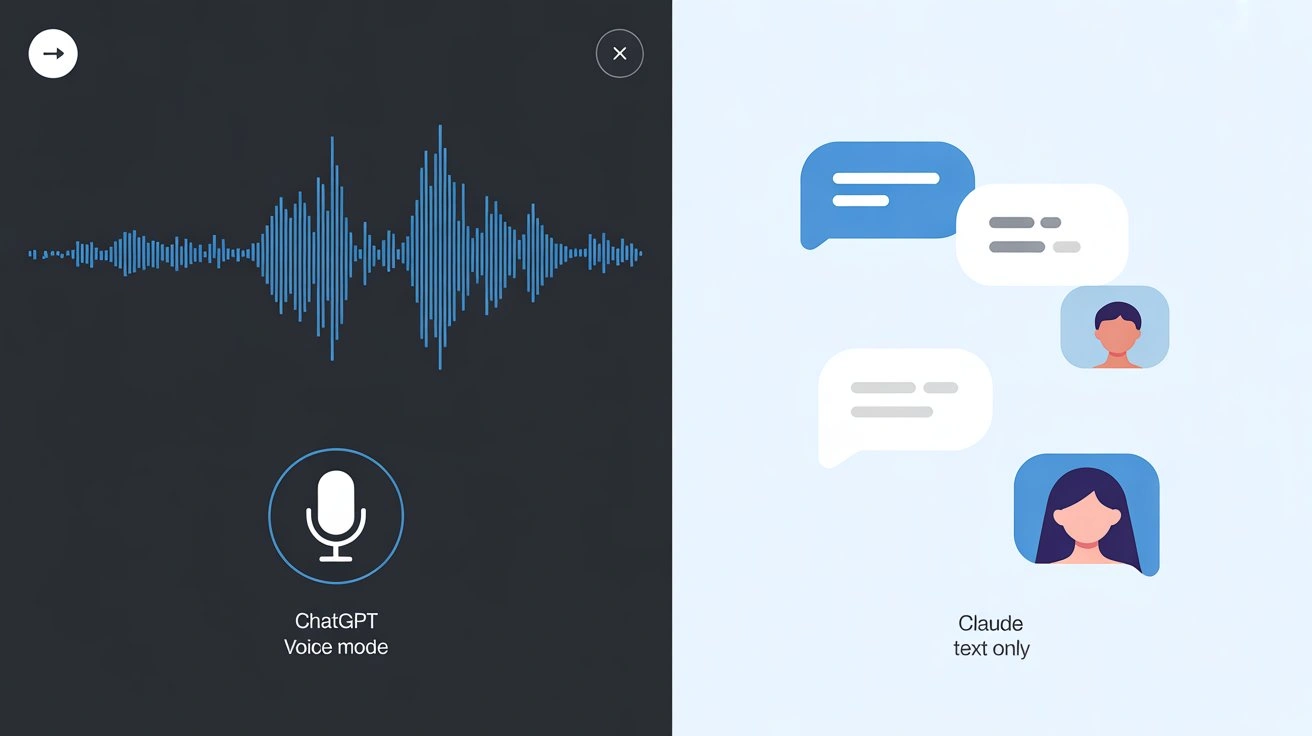
The most significant practical edge is voice mode. ChatGPT's Advanced Voice Mode enables natural spoken conversations—genuinely useful while driving, cooking, or brainstorming hands-free. Claude has no voice interface at all.
Image generation through ChatGPT Image 2 ( launched April 2026) means you can create visuals without leaving the conversation. The new model supports reasoning-driven generation, up to 8 coherent images from a single prompt, 2K resolution, and significantly better text rendering than previous generations. Claude cannot generate images.
Web browsing capabilities let ChatGPT pull current information. Ask about today's weather, recent news, or live sports scores, and it can search in real-time (though accuracy varies). Claude's knowledge has a cutoff date and cannot browse actively.
Claude's advantages:
Longer context window means Claude can handle massive documents—entire books, lengthy research papers, or complex codebases—in a single conversation. Upload a 100-page contract and ask detailed questions across the whole thing. ChatGPT's shorter context window forces you to break documents into chunks.
Artifact system presents code, documents, and structured content in separate, easily copyable windows rather than inline text. For developers and writers, this makes extracting and using Claude's output significantly cleaner.
Cleaner interface with fewer distractions. No upsells, no feature bloat—just conversation. ChatGPT's interface includes more buttons, options, and promotional elements.
Bottom line: ChatGPT offers more features; Claude offers deeper focus on text-based tasks. If you need multimedia capabilities, ChatGPT wins by default. For pure text work with large documents, Claude's design advantages matter.
Real-World Performance: 10 Common Scenarios Tested
Scenario 1: Quick Factual Questions
Winner: ChatGPT
For rapid-fire questions—"What's the capital of Azerbaijan?" or "How do I convert JSON to CSV in Python?"—ChatGPT consistently responds faster and more directly.
Claude tends to add caveats and context even when you just need a straight answer. This thoughtfulness helps with complex topics but slows down simple queries unnecessarily.
Speed difference: Noticeable across dozens of questions. ChatGPT feels snappier for reference-style lookups.
Accuracy caveat: Neither is perfectly reliable for facts. Always verify important information regardless of which tool you use.
Scenario 2: Long Document Analysis
Winner: Claude
Upload a 50-page legal contract, academic paper, or technical specification. Ask Claude to summarize key points, find inconsistencies, or answer specific questions across the entire document.
Claude's larger context window handles this effortlessly. ChatGPT forces you to either summarize the document yourself or break it into chunks, losing coherence.
Real-world impact: For lawyers, researchers, and anyone working with complex documents, this single advantage can justify choosing Claude as a primary tool.
Scenario 3: Creative Writing
Winner: Claude
Write fiction, marketing copy, or narrative content, and Claude consistently produces more natural, nuanced prose. The writing feels less formulaic, with better understanding of tone, voice, and literary devices.
ChatGPT's creative writing works but often falls into recognizable patterns—certain phrases, structural tendencies, and an AI "voice" that regular users spot quickly.
Claude weakness: Sometimes too cautious with edgy or controversial creative content. ChatGPT is more willing to explore difficult themes.
Best for: Novelists, screenwriters, and content marketers report preferring Claude for first drafts that require less editing.
Scenario 4: Coding and Programming
Winner: Slight edge to ChatGPT
Both handle code competently, but ChatGPT's responses for programming tasks tend to be more practical and production-ready. It's more willing to suggest specific libraries, frameworks, and complete implementations without excessive hedging.
Claude excels at explaining code and teaching programming concepts with patience and clarity. For learning, Claude often provides better educational value.
Where ChatGPT wins: Debugging, quick scripts, practical solutions to immediate problems.
Where Claude wins: Understanding complex codebases, explaining architectural decisions, code review commentary.
Developer preference: Many programmers keep both open—ChatGPT for writing code, Claude for reviewing and understanding it.
Scenario 5: Image Generation and Multimodal Tasks
Winner: ChatGPT (by default)
Claude cannot generate images. If you need visual content—diagrams, illustrations, concept art, UI mockups—ChatGPT with its Image 2 model is your only option between these two. The new model is a meaningful step up: better text rendering, reasoning-driven generation, and production-grade output quality.
ChatGPT alternative: Use Claude for text tasks, then switch to dedicated image generation tools like Midjourney or Adobe Firefly. More friction, but possible.
Scenario 6: Voice Conversations
Winner: ChatGPT (by default)
Claude has no voice interface. ChatGPT's Advanced Voice Mode enables natural spoken conversations—legitimately useful for hands-free brainstorming, language practice, or querying while multitasking.
The voice quality and natural flow substantially improve productivity for users who prefer speaking over typing.
Claude alternative: None. If voice interaction matters to your workflow, ChatGPT wins automatically.
Scenario 7: Business Writing (Reports, Emails, Proposals)
Winner: Depends on your audience
For formal business communication—annual reports, investor proposals, executive summaries—Claude's more formal tone and structured approach often produces better first drafts. The language feels professional without being robotic.
For internal team communications, sales emails, or marketing materials where approachability matters, ChatGPT's conversational warmth typically performs better. It writes like a colleague, not a consultant.
Key insight: Both handle business writing competently. Choose based on your audience's expectations. Client-facing formal documents lean Claude; internal casual communications lean ChatGPT.
Scenario 8: Math and Complex Reasoning
Winner: Slight edge to ChatGPT
Both models handle basic arithmetic and algebraic problems well, but for advanced mathematics, multi-step logic problems, and complex quantitative reasoning, benchmark comparisons and user reports suggest ChatGPT has a slight edge in advanced mathematical computation.
ChatGPT's integration with computational tools and its ability to show detailed step-by-step breakdowns makes it more reliable for students, researchers, and professionals working with quantitative analysis.
Claude performs adequately for most math tasks but occasionally struggles with very complex multi-step problems or advanced calculus/statistics questions.
Claude strength: Better at explaining mathematical concepts in plain language, even if computation accuracy slightly trails.
Scenario 9: Learning and Education
Winner: Tie (different learning styles)
Both excel as educational tools but suit different learning preferences:
Claude for:
- Students who need thorough, patient explanations
- Deep conceptual understanding over quick answers
- Essay feedback and writing improvement
- Literature analysis and humanities subjects
ChatGPT for:
- Visual learners (can generate diagrams with Image 2)
- Fast-paced review and test preparation
- Interactive Q&A sessions
- STEM subjects with computational needs
A common approach in educational settings is to use both: Claude for grading essays and providing detailed feedback, ChatGPT for creating practice quizzes and quick student support.
Best practice: Match the tool to the subject. Humanities lean Claude; STEM with visuals leans ChatGPT.
Scenario 10: Brainstorming and Ideation
Winner: ChatGPT
When you need rapid-fire idea generation—business names, marketing angles, creative concepts, problem-solving approaches—ChatGPT's speed and confident output style creates better momentum.
Brainstorming benefits from quantity and speed. ChatGPT throws out ideas faster, maintains conversational energy better, and feels more like a collaborative partner bouncing ideas back and forth.
Claude's more measured, cautious approach can slow down the creative flow. While its ideas are often more refined, the extra thinking time disrupts brainstorming rhythm.
Claude advantage: Use Claude when you need fewer, higher-quality ideas rather than many options to filter through. Quality over quantity scenarios favor Claude.
Pricing Reality Check: What You Actually Get
Price matters, but context matters more. Here's what you're actually paying for:
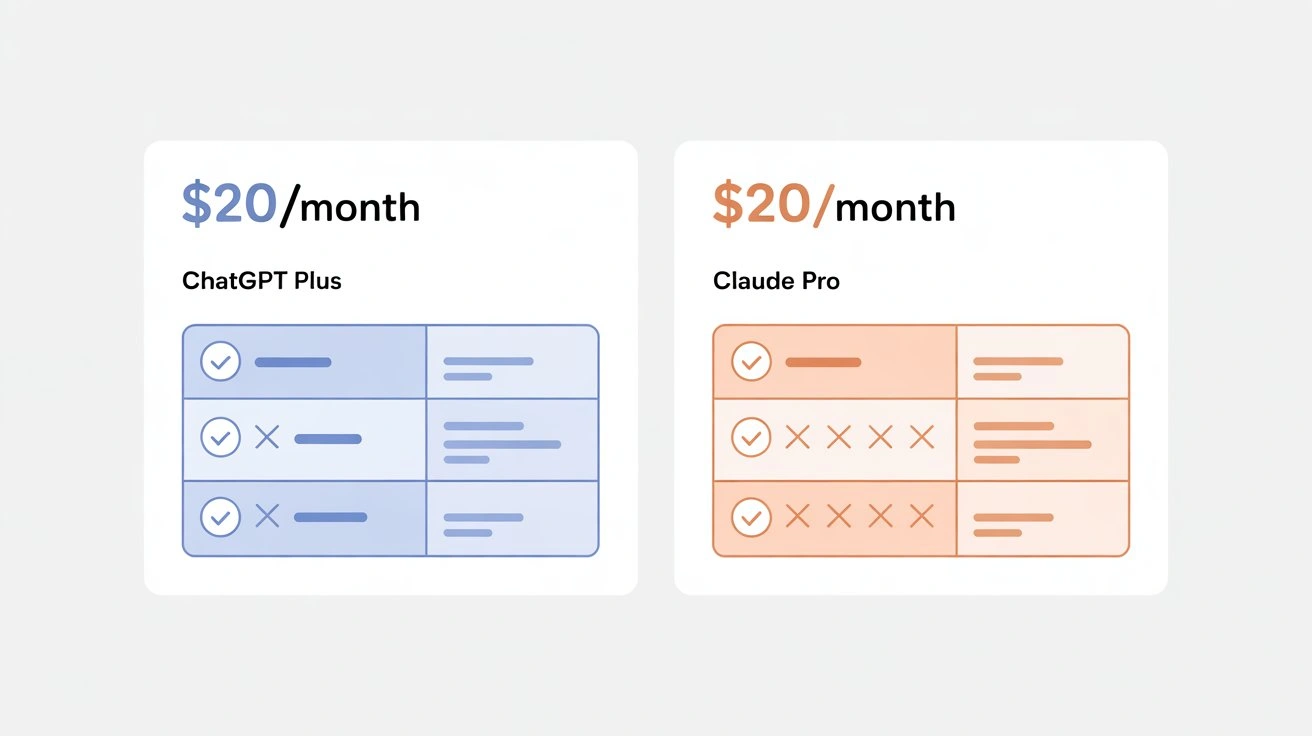
ChatGPT Plus: $20/month
What you get:
- Access to OpenAI's latest GPT-5 series models
- ChatGPT Image 2 generation (thinking mode with up to 8 images per prompt, paid users only)
- Advanced Voice Mode with natural conversations
- Web browsing and real-time information access
- Priority access during peak usage times
Limitations:
- Message caps during high-traffic periods (typically 40-50 messages per 3 hours for GPT-5 series models)
- Caps reset on rolling windows, can feel restrictive during intensive work sessions
Claude Pro: $20/month
What you get:
- Claude's latest model
- 5x higher usage limits than free tier
- Priority access during peak times
- 200,000-token context window for massive documents
Limitations:
- No image generation
- No voice interface
- Usage limits are higher than ChatGPT's but still exist (approximately 100+ messages per 5 hours, depending on message length)
The Free Tiers
Both offer functional free versions:
- ChatGPT Free: Access to GPT-5 mini, limited features, sufficient for casual use
- Claude Free: Claude's current model with lower usage caps, enough for occasional tasks
Cost Efficiency Analysis
For most professionals using AI daily, $20/month for either tool delivers exceptional value—equivalent to about 15 minutes of professional billing time monthly. The real question isn't whether to pay, but which paid version matches your workflow.
Power user consideration: Heavy users often subscribe to both ($40/month total). This gives you the best tool for every task without workflow compromises. If you're using AI 2+ hours daily, dual subscriptions often justify themselves within the first week.
Budget-conscious approach: Start with free tiers, identify your primary use case from the scenarios above, then upgrade only that tool. Reassess after 30 days.
Making Your Decision: A Framework That Works
Forget brand loyalty. The right AI assistant depends entirely on how you work.
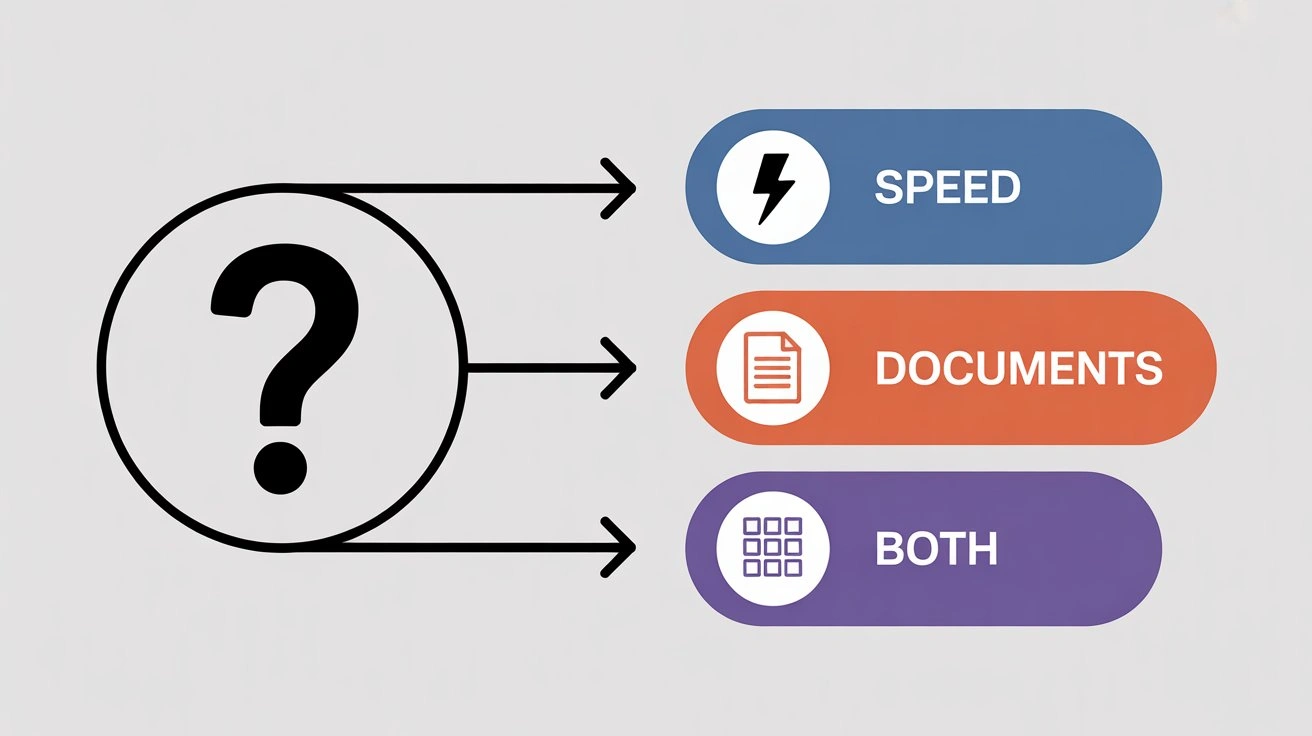
Start with Your Primary Use Case
Which scenario above describes 60%+ of your AI usage?
Choose Claude if your top scenarios are:
- Long document analysis (contracts, research papers, reports)
- Creative writing projects requiring nuance and literary quality
- Work requiring careful, thoughtful responses over speed
Choose ChatGPT if your top scenarios are:
- Quick information lookups and rapid-fire questions
- Content creation needing visual elements
- Voice-based interaction while multitasking
- Brainstorming sessions requiring high idea volume
The Workflow Integration Test
Ask yourself: "Where will I use this AI most?"
Mobile-first users: ChatGPT's voice mode makes it dramatically more useful on-the-go. Claude requires typing, which limits mobile utility.
Desktop professionals: Both work excellently in browser. Decision comes down to task type rather than interface.
Tool ecosystem users: If you rely heavily on plugins, browser extensions, or API integrations, ChatGPT's more mature third-party ecosystem offers more options. Claude's API ecosystem is growing but currently less extensive.
The "Two-Week Reality Check" Method
Instead of agonizing over the decision:
Week 1: Use only ChatGPT (free or paid) for all AI tasks. Note frustrations and moments where it excels.
Week 2: Switch entirely to Claude (free or paid). Compare the experience against Week 1.
Decision point: Whichever tool you missed more during the off-week is your answer. You'll know instinctively which felt more natural.
The Dual-Subscription Strategy
For professionals using AI 10+ hours weekly, subscribing to both ($40/month total) eliminates decision paralysis:
- Default to Claude for writing, analysis, and deep work
- Switch to ChatGPT for research, image creation, and voice tasks
- Use both simultaneously for complex projects (Claude drafts, ChatGPT researches)
This "best tool for each job" approach maximizes productivity. The $40 investment pays for itself quickly if AI saves you even 2-3 hours monthly.
Common Decision Mistakes to Avoid
Mistake 1: Choosing based on what others use. Your colleague's workflow isn't yours.
Mistake 2: Overvaluing features you rarely need. Image generation sounds great until you realize you need it twice a year.
Mistake 3: Undervaluing speed differences. Small friction adds up over hundreds of interactions.
Mistake 4: Ignoring the free tiers. Both free versions are remarkably capable—test before paying.
The Bottom Line Decision Matrix
Still uncertain? Use this simple tiebreaker:
| Your Priority | Choose This |
|---|---|
| Writing quality and nuance | Claude |
| Speed and efficiency | ChatGPT |
| Multimodal needs (voice/images) | ChatGPT |
| Complex document handling | Claude |
| All-around versatility | ChatGPT |
| Thoughtful, cautious responses | Claude |
| Budget (free tier only) | Try both, keep what fits |
Final advice: There's no wrong choice. Both are exceptional tools that will meaningfully improve your productivity. The difference between them is smaller than the difference between using either versus using neither.
Start with free tiers, upgrade what you use most, and don't overthink it. You can always switch.
The Real Answer
There's no universal winner in the Claude vs ChatGPT debate because they excel at different things.
ChatGPT dominates in speed, versatility, and multimodal capabilities. If you need quick answers, voice interaction, or image generation, it's the clear choice. Its broader feature set makes it the better all-purpose AI assistant for most users.
Claude wins on writing quality, document analysis, and thoughtful responses. For professionals working with complex text, creative projects, or sensitive material requiring nuanced handling, Claude's careful approach delivers better results.
For many power users, the real solution is using both—defaulting to whichever fits each specific task rather than forcing one tool to do everything.
The good news: both free tiers are genuinely useful. Test them both for a week. You'll quickly discover which aligns with how you actually work.
For developers and businesses building AI into applications, the choice matters even more. If you're integrating AI capabilities into your products, consider services like CometAPI free trial that provide unified access to multiple AI models, letting you switch between Claude, ChatGPT, and others without rebuilding your infrastructure.
The best AI tool is simply the one you'll actually use consistently. Start there.