
Last verified: September 28, 2026.
xAI introduced Grok 4.7 in September 2026 for coding, agentic tasks, and knowledge work. It supports a 500,000-token context window, the Responses API, and Chat Completions. For developers, the difficult part is often not the first request. It is managing another provider credential, SDK configuration, billing account, model catalog, and endpoint alongside the rest of a multi-model stack.
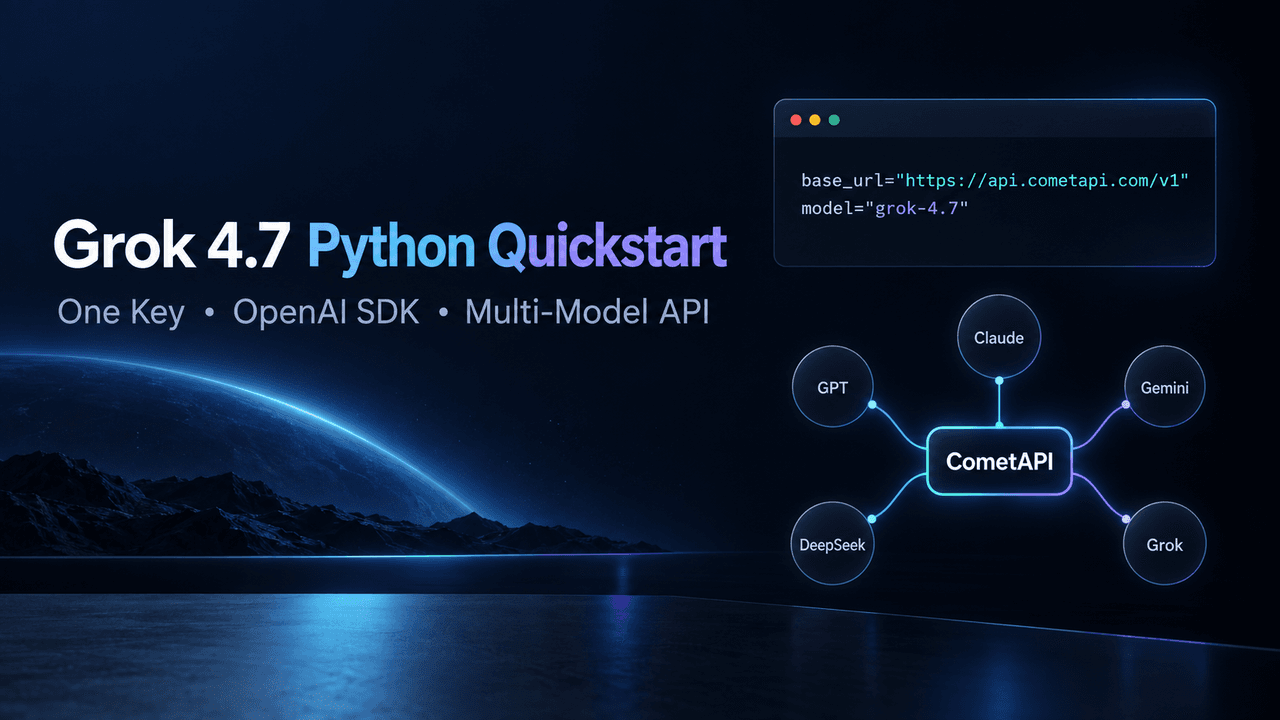
You can call Grok 4.7 from Python with the OpenAI SDK by pointing the client to CometAPI, authenticating with a CometAPI key, and selecting grok-4.7. The same CometAPI account, key, and base URL can also provide access to supported GPT, Claude, Gemini, and DeepSeek models. In other words, you can keep one gateway integration while choosing the model that fits each task.
This guide uses Grok 4.7 for the first working request, then shows what stays the same when you add other model families. It also explains the important limit of “one API”: authentication and gateway access are unified, but model-specific tools, parameters, context limits, and supported endpoints can still differ.
Grok 4.7 Python Quickstart
The current CometAPI Grok 4.7 model page documents the model ID grok-4.7, the base URL https://api.cometapi.com/v1, and a Python example built with the OpenAI SDK. The dedicated page uses the Responses API, so that is the safest starting point for this tutorial.
1. Create a CometAPI key
Create or sign in to your CometAPI account, then generate a key in the API token console. Store it as an environment variable instead of placing the secret directly in source code.
export COMETAPI_KEY="your_cometapi_key_here"
For Windows PowerShell:
$env:COMETAPI_KEY="your_cometapi_key_here"
Do not commit the key to Git, paste it into a public notebook, or expose it in browser-side JavaScript. Production applications should load it from a secrets manager or protected server environment.
2. Install the OpenAI Python SDK
Create an isolated environment and install the current SDK:
python -m venv .venv
source .venv/bin/activate
python -m pip install --upgrade openai
On Windows, activate the environment with .venv\Scripts\Activate.ps1. The official OpenAI API quickstart uses the same Python package and client pattern; CometAPI changes the API key, base URL, and model ID.
3. Send the first Grok 4.7 request
import os
from openai import OpenAI

client = OpenAI(
    api_key=os.environ["COMETAPI_KEY"],
    base_url="https://api.cometapi.com/v1",
)

response = client.responses.create(
    model="grok-4.7",
    input="Explain one practical use of a unified AI API in two sentences.",
)

print(response.output_text)
Save the file as grok47_quickstart.py, then run:
python grok47_quickstart.py
If the request succeeds, the script prints the model’s text response. Your application is now using the OpenAI Python client while sending traffic to CometAPI and selecting Grok 4.7 by model ID.
What Each Line in the Grok 4.7 Request Is Doing
api_key. The SDK sends your CometAPI credential in the request. One CometAPI key can be used across the models enabled for the same account.
base_url. This redirects the OpenAI client from the default OpenAI service to the CometAPI gateway. Keep the /v1 suffix.
model="grok-4.7". The model ID selects Grok 4.7. Treat model IDs as exact, case-sensitive deployment inputs and confirm them on the live model page before release.
client.responses.create(...). This sends the request through the Responses API. CometAPI’s current Grok 4.7 page documents this route, and xAI’s current Grok 4.7 documentation also lists the Responses API as supported.
Can You Use Grok 4.7 with Chat Completions Instead?
Yes. CometAPI’s September 22, 2026 changelog states that Grok 4.7 supports the Chat API format. If an existing application is built around Chat Completions, the corresponding OpenAI SDK call is:
import os
from openai import OpenAI

client = OpenAI(
    api_key=os.environ["COMETAPI_KEY"],
    base_url="https://api.cometapi.com/v1",
)

completion = client.chat.completions.create(
    model="grok-4.7",
    messages=[
        {
            "role": "user",
            "content": "Give me a three-step API migration checklist.",
        }
    ],
)

print(completion.choices[0].message.content)
Use Responses when it matches the model page and the newer OpenAI SDK workflow. Use Chat Completions when you are maintaining an established chat integration. Do not assume that every native tool or model-specific parameter has an identical representation in both formats.
How One CometAPI Integration Reaches GPT, Claude, Gemini, DeepSeek, and Grok
A unified model gateway is useful when an application needs several model families without maintaining a separate credential and client initialization path for each provider. In CometAPI, the API key and base URL remain fixed while the application selects a model ID from the current catalog. Endpoint formats and provider-specific features can still differ, so each model should be tested with the exact request shape used in production.
Current Model Options on CometAPI (Verified September 28, 2026)
CometAPI currently lists the following model families in its catalog. The examples below use model IDs verified on September 28, 2026; availability, aliases, capabilities, and pricing can change, so production applications should recheck the live model page before deployment.
| Model family | Current example model ID | Model overview and what to verify |
|---|---|---|
| Grok | grok-4.7 | Grok 4.7 targets coding, agentic tasks, and long-form knowledge work. Verify Responses versus Chat format, reasoning controls, tools, and current rates. |
| GPT | gpt-6-sol | GPT-6 Sol is optimized for complex coding and agentic workflows. Verify endpoint support, reasoning level, context needs, and tool availability. |
| Claude | claude-opus-5-5 | Claude Opus 5.5 is a high-capability reasoning and agent model. Verify Messages versus Chat format and Anthropic-specific tool behavior. |
| Gemini | gemini-3.8-flash | Gemini 3.8 Flash prioritizes speed and multimodal workloads. Verify Gemini-native versus Chat format, media inputs, and grounding options. |
| DeepSeek | deepseek-v4-pro | DeepSeek V4 Pro focuses on advanced reasoning, coding, and long-horizon agents. Verify Chat compatibility, reasoning behavior, and current output limits. |
These model IDs were checked against CometAPI's catalog and model pages on September 28, 2026. Availability, aliases, and pricing can change; production code should use an approved allowlist and recheck the live catalog before deployment.
For a simple OpenAI-compatible text workflow, you can make the model configurable:
import os
from openai import OpenAI

client = OpenAI(
    api_key=os.environ["COMETAPI_KEY"],
    base_url="https://api.cometapi.com/v1",
)

model = os.getenv("COMETAPI_MODEL", "grok-4.7")

response = client.responses.create(
    model=model,
    input="Summarize the advantages and limits of a unified AI API.",
)

print(response.output_text)
The reusable pieces are the account, API key, gateway URL, SDK initialization, and your application’s request wrapper. What may change is the endpoint or request schema required by a specific model family. A unified API reduces integration and billing fragmentation; it does not erase the capabilities and constraints of the upstream models.
A Safer Multi-Model Python Pattern
Production applications should define an allowlist instead of accepting arbitrary model names from users. Keep capability information next to each approved model so the application chooses a compatible endpoint and feature set.
MODEL_CONFIG = {
    "grok": {
        "id": "grok-4.7",
        "api": "responses",
    },
    "gpt": {
        "id": "gpt-6-sol",
        "api": "responses",
    },
}

def run_text_request(client, family, prompt):
    config = MODEL_CONFIG[family]

    if config["api"] == "responses":
        result = client.responses.create(
            model=config["id"],
            input=prompt,
        )
        return result.output_text

    raise ValueError(f"Unsupported API format: {config['api']}")
Extend the allowlist only after testing the selected model with the endpoint and parameters your application uses. This approach prevents a catalog change or typo from silently routing production traffic to an unintended model.
Common Errors and How to Fix Them
Authentication fails. Confirm that COMETAPI_KEY is present in the same shell that runs Python, that the key is active, and that no extra spaces or quotation marks were copied into the value.
The model cannot be found. Recheck the exact live model ID. For this guide, the verified ID is grok-4.7; do not substitute a display name such as “Grok 4.7 API.”
The endpoint rejects a parameter. Remove provider-specific options and retry with the minimal documented request. OpenAI compatibility covers common SDK shapes, not every native parameter across GPT, Claude, Gemini, DeepSeek, and Grok.
The request is rate-limited or the balance is insufficient. Check account usage and quota before increasing retries. Blind retries can multiply cost and load without fixing an account-level limit.
The request times out or returns a temporary server error. Add bounded exponential backoff, a request timeout, and a maximum retry count. Log the request ID and selected model, but never log the API key or sensitive prompt content.
Production Checklist
- Store the CometAPI key in a secrets manager and rotate it if it is exposed.
- Pin approved model IDs in configuration and review the live catalog before deployment.
- Test the exact endpoint, streaming mode, tool calls, structured output, and multimodal inputs you plan to use.
- Set explicit timeouts and bounded retries; do not retry invalid requests.
- Record model, latency, token usage, request ID, and cost metadata without storing secrets.
- Run a small canary before shifting production traffic to a new model or alias.
Why Use CometAPI for This Workflow?
CometAPI is useful when a team wants to test or operate several model families without creating a separate integration, credential path, and prepaid balance for every provider. The Grok 4.7 quickstart uses the familiar OpenAI Python client, while the same CometAPI account can cover supported GPT, Claude, Gemini, DeepSeek, Grok, and multimodal models.
The advantage is operational consolidation: one account, one key, one gateway URL, and a shared usage surface. The engineering discipline remains model-aware. Teams should still validate endpoint compatibility, model-specific capabilities, pricing, data requirements, and fallback behavior before production.
Grok 4.7 Pricing Through CometAPI
CometAPI's Grok 4.7 model page lists two context tiers. The prices below are in US dollars per 1 million tokens and were verified on September 28, 2026.
| Tier | Condition | Input | Cached input / cache read | Output |
|---|---|---|---|---|
| Standard context | len < 200,000 | $1.60 | $0.40 | $4.80 |
| Long-context tier | See the current billing rule on the live model page | $3.20 | $0.80 | $9.60 |
The same page lists the corresponding direct xAI rates as $2.00 input, $0.50 cache read, and $6.00 output for standard context, and $4.00 input, $1.00 cache read, and $12.00 output for long context. That makes the displayed CometAPI rates 20% lower at the time of verification. Treat these figures as a dated snapshot and check the live pricing page before estimating production spend.
FAQ
What is the Grok 4.7 API model ID on CometAPI?
The current model ID is grok-4.7.
Can I use the OpenAI Python SDK with Grok 4.7?
Yes. Initialize OpenAI with your CometAPI key, set the API base URL to api.cometapi.com/v1, then call a supported endpoint with model="grok-4.7".
Do I need an xAI API key as well?
Not for the CometAPI route shown here. The request authenticates with a CometAPI key and is billed through the CometAPI account.
Can the same CometAPI key access GPT, Claude, Gemini, and DeepSeek?
Yes, for models available to your CometAPI account. Keep the CometAPI key and base URL, select a supported model ID, and use the endpoint documented for that model.
Does one API mean every model accepts identical parameters?
No. One API can unify account access, authentication, routing, and billing. Native tools, reasoning controls, multimodal inputs, safety settings, context limits, and endpoint support can still vary by model.
Should I use Responses or Chat Completions for Grok 4.7?
Start with Responses because the current CometAPI Grok 4.7 model page provides that example. Chat Completions is also documented in the CometAPI changelog and can be appropriate for an existing chat-based codebase.
Final Takeaway
To call Grok 4.7 from Python, install the OpenAI SDK, create a CometAPI key, set the CometAPI base URL shown in the setup section, and choose grok-4.7. Start with a minimal request, confirm the endpoint and response shape, then add retries, timeouts, logging, and cost controls before moving into production.
Use the shared integration as a stable foundation, then maintain explicit capability checks for every model you add. That balance—one operational gateway with model-aware validation—is the safest way to turn a multi-model API into production software.