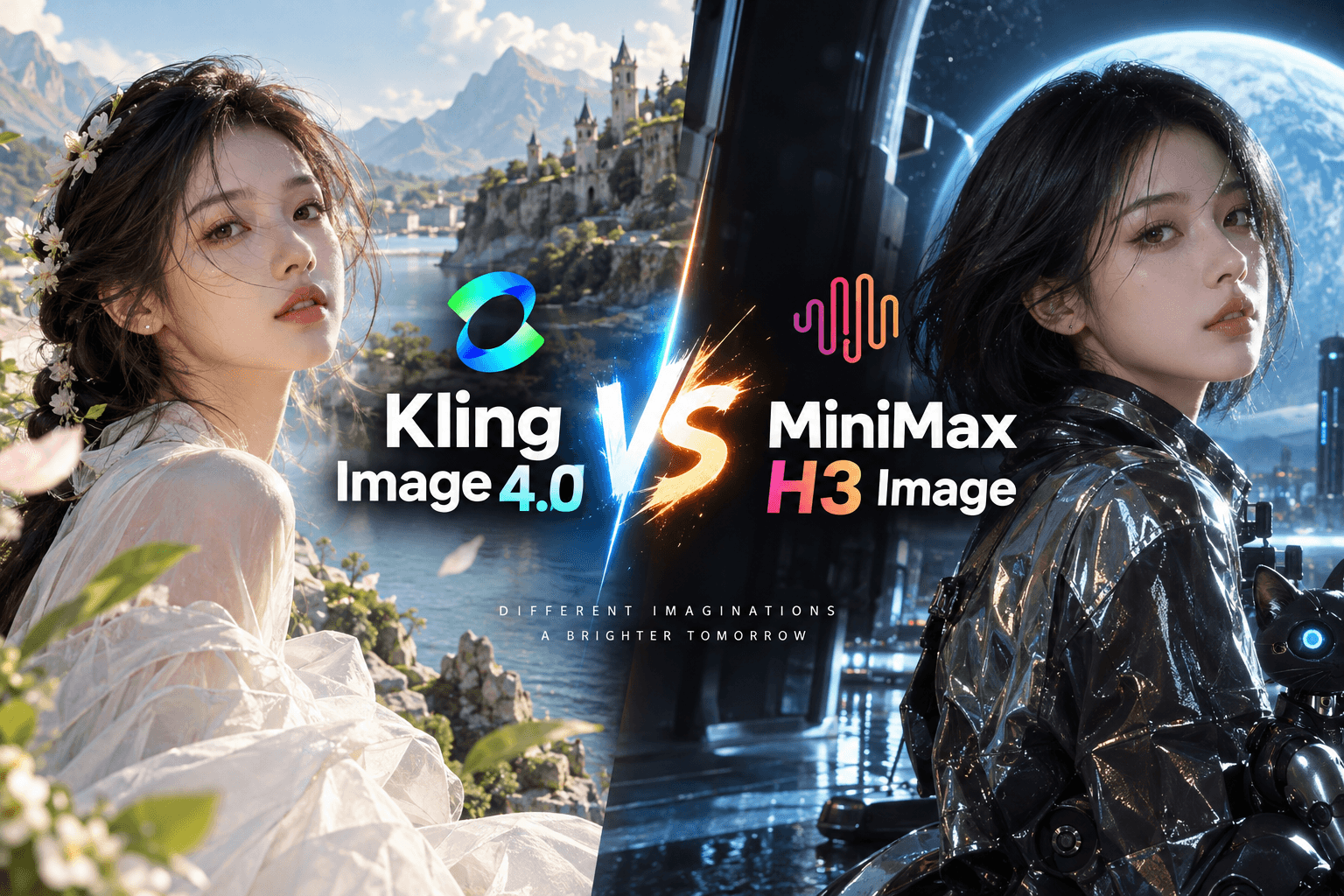
Nov 27, 2026kling image 4.0
minimax h3-image
Kling Image 4.0 vs MiniMax H3 Image: Qualità, Velocità, Prezzi
I don’t have verified, up‑to‑date vendor benchmarks for Kling Image 4.0 vs MiniMax H3 Image. Here’s a concise decision framework and a fast bake‑off plan so you can choose confidently on quality, speed, text rendering, pricing, and API access without relying on marketing claims.
What to compare
- Quality
- Photorealism: skin, hair, fabric, lighting consistency, hands/ears, background coherence.
- Stylization: range and control over anime, illustration, cinematic, product renders.
- Prompt adherence: composition, attributes, negative prompt effectiveness.
- Consistency: seed repeatability across batches; variance at same settings.
- Speed
- Median latency for 512–1024 px generations; queue variability at peak hours.
- Batch throughput and concurrency limits per account/tier.
- Text rendering
- Accuracy of exact strings (case, spacing), curved surfaces, small fonts, multilingual glyphs.
- Robustness to typos and long phrases; support for guidance tools (e.g., mask, region prompts).
- Pricing
- Effective cost per 1 image at your target resolution and steps.
- Volume discounts, burst limits, overage pricing, monthly commit vs pay‑as‑you‑go.
- Hidden costs: upscales, variations, image‑to‑image, style lock, fine‑tuning.
- API access
- Regions available, rate limits, auth model, SDKs, webhooks, job status polling.
- Features: image‑to‑image, inpainting/outpainting, masking, seeds, tiling, safety filters.
- SLAs, uptime history, and support channels.
30–60 minute bake‑off (practical)
1) Fix controls
- Same resolution (e.g., 1024×1024), steps/sampler defaults, 4 images per prompt, seed fixed then varied.
- Disable extra upscalers or post‑fx on both unless you test them explicitly.
2) Prompt set (copy/paste)
- Photoreal portrait: “35mm photo, soft window light, freckles, detailed hands visible, shallow DOF, neutral background.”
- Product on white: “Matte black wireless earbuds on pure white, soft shadow, studio lighting, true white #FFFFFF.”
- Logo/text: “A coffee cup with label text ‘CAFÉ ROSSO’ wrapped on the cup, red sans‑serif, 10 pt equivalent.”
- Stylized anime: “Energetic anime character mid‑jump, dynamic pose, motion lines, saturated palette, clean lineart.”
- Scene with small text: “Bookshelf with labeled spines: ‘History’, ‘Design’, ‘Physics’, ‘Poetry’, legible at small size.”
- Multilingual text: “Poster reading ‘春の祭り 2025’ and ‘Primavera Fest’ on the same page, clean kerning.”
3) Score quickly (0–5 each)
- Prompt adherence, artifact rate, hand/ear fidelity, background coherence, legible text accuracy, style control, color accuracy, repeatability (same seed), median latency, cost per usable image.
Interpreting likely outcomes
- If your top priority is photoreal product/people accuracy and fewer artifacts, pick the model that wins on portrait/product prompts even if it’s a bit slower or pricier.
- If you do high‑volume social/marketing variants, the faster/cheaper model with acceptable quality usually wins overall ROI.
- For heavy text-in-image work (labels, posters), favor the model with fewer spelling/spacing errors on the text prompts.
- If you need programmatic workflows, prioritize the API with clearer job status, webhooks, and higher rate limits—even if raw image quality is marginally lower.
Checklist to request from vendors
- Current per‑image pricing at your resolution, overage rules, monthly commit discounts.
- Regional availability and latency to your servers.
- Exact rate limits (RPS and concurrent jobs) and burst policies.
- Features matrix: seed control, tiling, inpaint/outpaint, masks, text rendering guidance, safety filters.
- Uptime/SLA and support escalation path.
Recommendation pattern
- Choose Kling Image 4.0 if your tests show superior photorealism, cleaner hands/backgrounds, and stronger label/text fidelity and you can afford slightly higher latency or cost.
- Choose MiniMax H3 Image if your tests show faster turnaround, lower effective cost per usable image, and good enough quality/stylization for high‑volume workflows.
If you share your region, target resolutions, monthly volume, and two or three representative prompts, I can turn this into a concrete side‑by‑side plan with estimated monthly costs and a go/no‑go matrix.