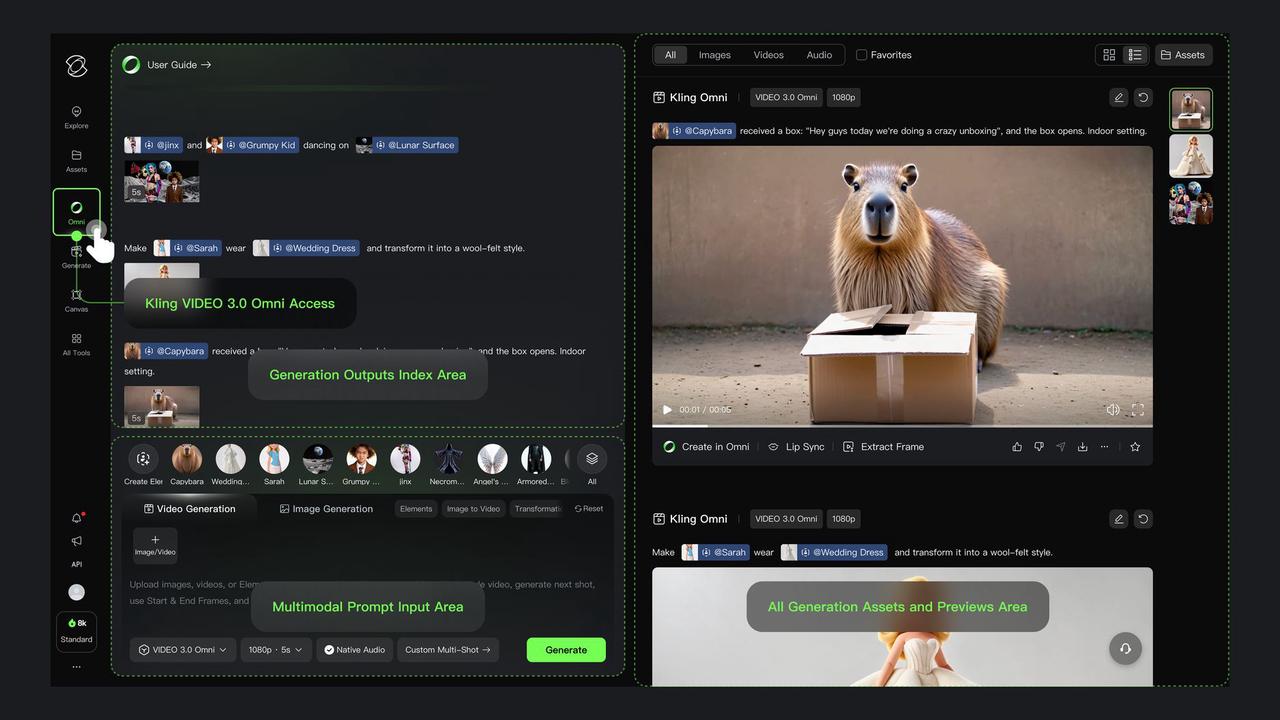
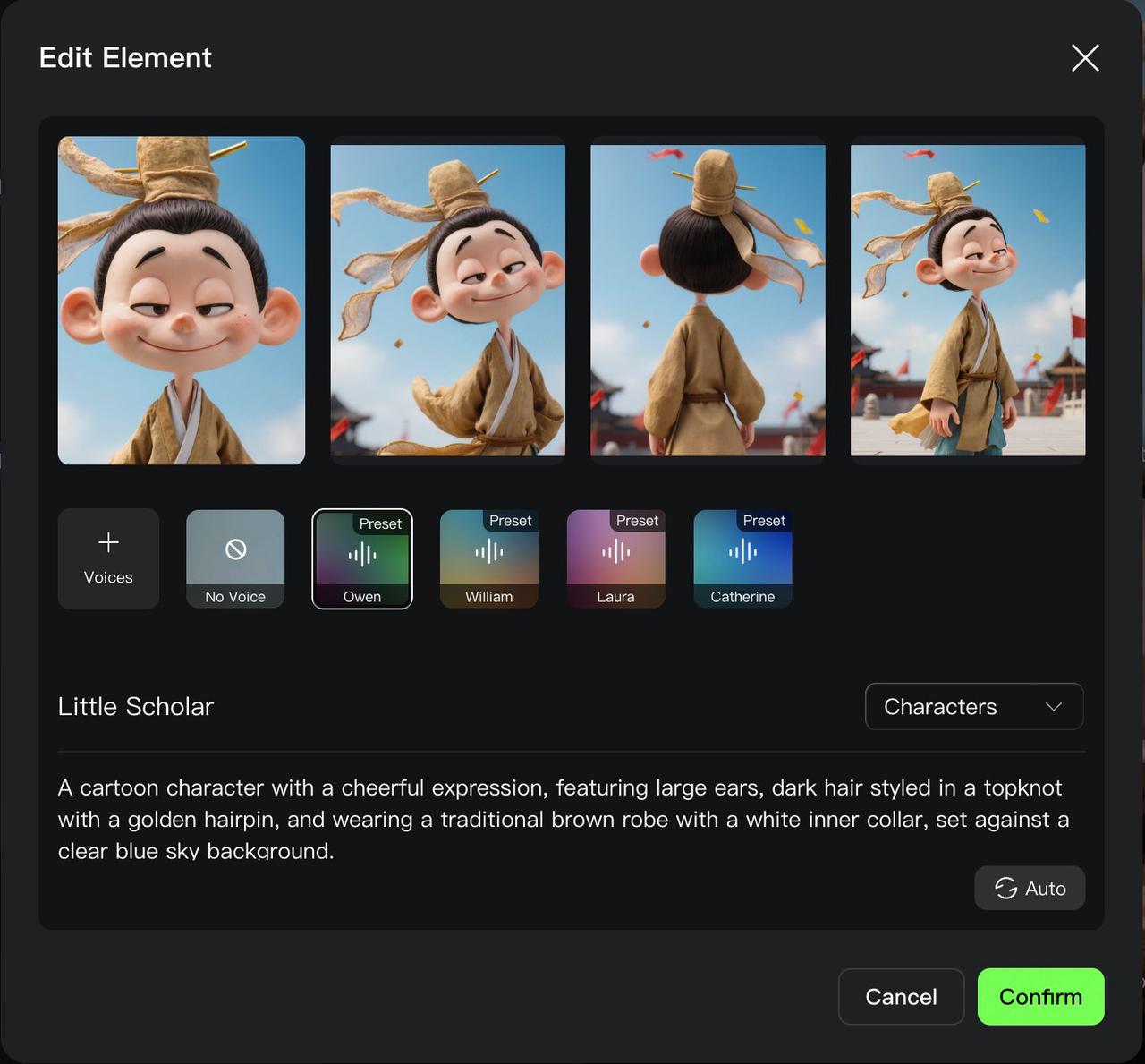
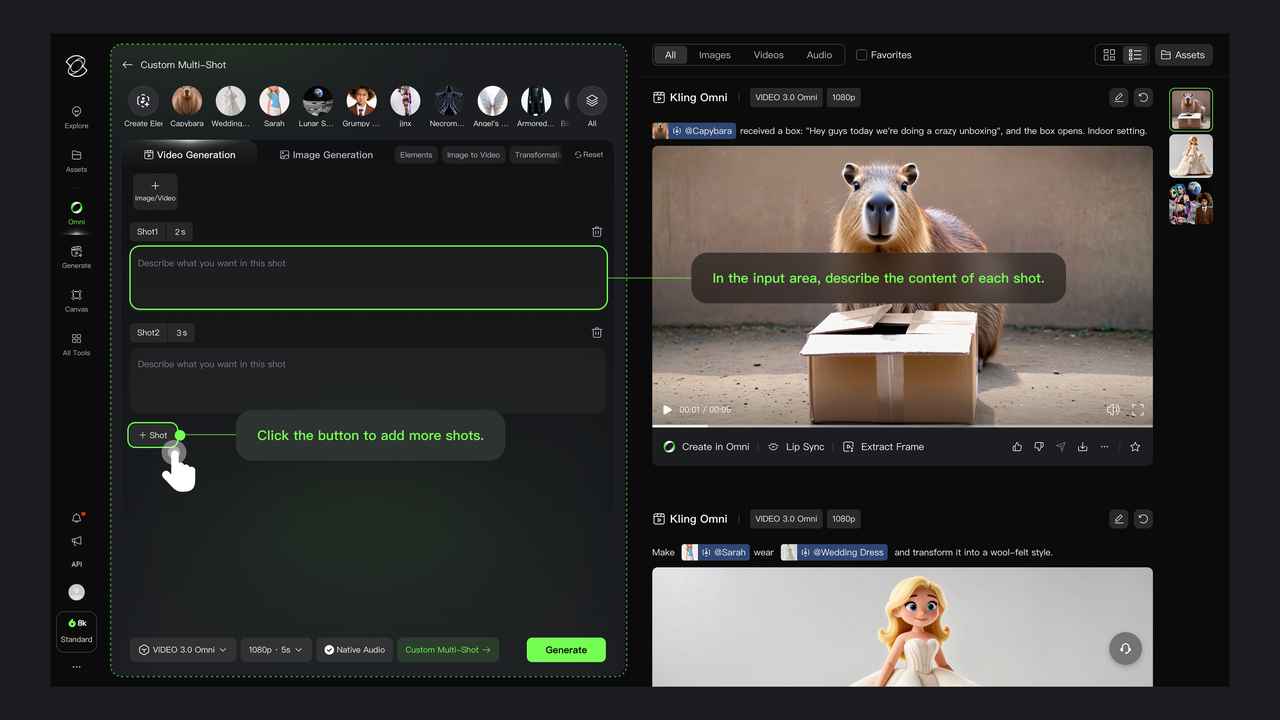
プロジェクトが、再利用可能な人物・製品・設定・ボイス・元動画を一つの制御されたワークフローで組み合わせることに依存する場合に Omni を使用する。価値は参照のオーケストレーションと視聴覚の連続性にあり、標準モデルに対する自動的な品質向上ではない。まず短い検証ショットを一本作り、参照を承認し、音声を追加し、コア資産が安定してからストーリーボードへ拡張する。
Key Takeaways
Omni はテキスト、画像、要素、動画、ボイス参照をサポートし、対応ワークフローにおいてモデルレベルで最大 15 秒の出力が可能。
Kling VIDEO 3.0 は嗜好ベンチマークで依然競争力がある。より広い参照ワークフローが特定の制作ニーズを解決する場合は Kling VIDEO 3.0 Omni を選ぶ。
識別(アイデンティティ)、製品形状、構図、音声を、結合してマルチショット化する前に個別に検証する。
API では、全てのインターフェース機能が露出していると仮定せず、選択したプロバイダルートのドキュメント化されたパラメータに従う。
Omni 生成ワークスペースを開き、モデルを選び、必要資産を添付する。まずは 5 秒、カメラムーブは一つ、台詞なしで始める。
Create a single continuous product shot using @BlueBottle in @Studio.

The bottle stands upright on a clean tabletop. Keep its body shape,
cap, surface color, and label placement consistent with the references.

Camera: a slow, straight push-in from a medium close-up.
Lighting: soft studio light from camera left.
Action: the bottle remains stationary.
Composition: leave clear space above the bottle for text added later.

No cuts, no extra products, and no generated captions.
Create a five-second continuous shot using @Maya, @BlueBottle,
and @Studio.

Maya stands beside the bottle, looks toward the camera, and says:
“Ready when you are.”

Use Maya’s bound voice. Keep the bottle unchanged. Use one static
camera angle. Do not add music, captions, cuts, or additional speech.
Create a three-shot product advertisement using @Maya, @BlueBottle,
and @Studio.

Continuity rules:
Use the same presenter, outfit, bottle, and studio throughout.
Keep the bottle’s shape, cap, color, and label unchanged.
Maintain the same lighting direction.
Use Maya’s bound voice only.
Do not add people, products, captions, or extra dialogue.

Follow the separate shot descriptions and durations.
End on a stable product composition.
How to Use Video References for Character Creation and Video Editing
再利用可能なキャラクター作成に使うクリップと、編集タスクのために供給するソース映像は異なる。前者は同一性を確立し、後者は既存の動きと構図を保持または変換するために提供する。キャラクター作成には一人のキャラクターの 3–8 秒クリップを使用する。動画編集では、Kling の公式 Omni ガイドが、3–10 秒、最大 200 MB、2K 解像度のソース動画 1 本を許可している。選択した API ルートの現行制限を確認し、拡大前に短いクリップでテストする。
Use the uploaded video as the source.

Change only the background to a softly lit studio.
Preserve the presenter’s identity, clothing, actions, and timing.
Preserve the bottle and the original camera movement.
Do not add cuts, gestures, objects, or dialogue.
export COMETAPI_KEY="YOUR_COMETAPI_KEY"

curl --fail --silent --show-error \
  --request POST \
  "https://api.cometapi.com/kling/v1/videos/omni-video" \
  --header "Authorization: Bearer ${COMETAPI_KEY}" \
  --header "Content-Type: application/json" \
  --data-raw '{
    "model_name": "kling-v3-omni",
    "prompt": "A blue reusable bottle stands on a clean studio tabletop. One continuous shot with a slow straight push-in. Soft light from camera left. No people, no cuts, no captions.",
    "mode": "std",
    "aspect_ratio": "9:16",
    "duration": "5",
    "sound": "off"
  }'
{
  "image_list": [
    {
      "image_url": "https://your-public-host.example/bottle.jpg",
      "type": "first_frame"
    }
  ],
  "prompt": "Starting from <<<image_1>>>, create one continuous slow push-in. Preserve the bottle and studio composition. No cuts or captions."
}
API の <<<image_1>>> 構文は、インターフェースで選択する @Element 参照とは異なる。ドキュメント上の sound 値は on と off である。
Omni を使うのは、名称が普遍的なアップグレードを示唆するからではなく、制作が認識可能な資産の結合・再利用に依存する場合である。一本の短い参照主導ショットから始め、キャラクターや製品を承認し、バインドされたボイスを導入し、その後にストーリーボードを構築する。CometAPI に移行する際は、選択したエンドポイントに合わせてモデル識別子、duration、参照構文、非同期タスクフローを整合させる。