
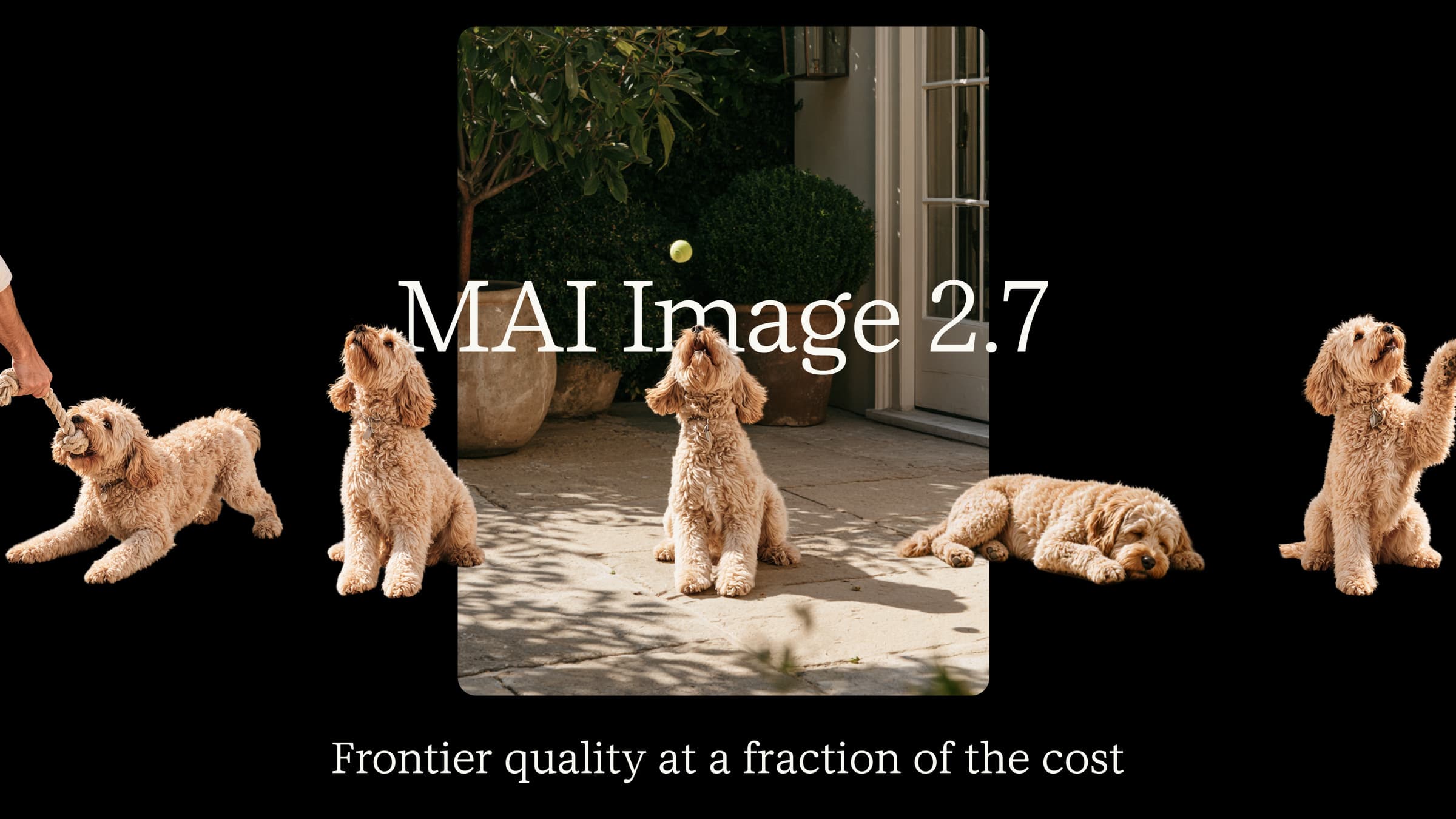
TL;DR
MAI Image 2.7 lets you generate an image from a description and then revise individual details. You can change the lighting on a product shot while keeping the packaging and camera angle consistent. Microsoft opened an editing preview on October 27 and added text-to-image generation and a lower-cost Flash version on November 17, 2026.
Key Takeaways
- For a cutout or composite, MAI Image 2.7 supports transparent output and accepts up to five visual references.
- The flagship can output up to 4.19 megapixels. A square image at that limit measures 2048 × 2048.
- In Microsoft’s November 17 announcement, the company cited November 16 Artificial Analysis results showing MAI Image 2.7 ranked first in image editing with 1,215 Elo across 5,478 votes.
- Microsoft quotes about $35 per 1,000 images for the flagship and $10 for Flash. Both are available in public preview through Microsoft Foundry.
What Is MAI Image 2.7?
MAI Image 2.7 is a proprietary AI image generation and editing model developed by Microsoft AI. It belongs to Microsoft's MAI Image model family and is designed for creative production, professional design, product visualization, and advanced image manipulation.

White cosmos against a blue sky, from Microsoft’s October editing preview.
What Are the Main Features of MAI Image 2.7?
Editing a product image across several rounds
For example, users can upload a product photograph and ask the model to change its background, adjust the lighting, replace an object, or modify a label while preserving the product’s shape, branding, and overall appearance.
Across successive edits, MAI Image 2.7 can help preserve the product’s shape and the overall composition, even as you change the background or lighting. Start with a bottle on a white background. Ask for a slate backdrop and keep the bottle, label and camera angle fixed. On the next pass, ask for softer light on the glass. Compare each result with the original: a label that shifts or a bottle that gets wider can make two images of the same product look like different items.
Transparent backgrounds
MAI Image 2.7 and MAI Image 2.7 Flash support transparent backgrounds.
This is particularly useful for designers who need product cutouts, logos, icons, stickers, and other visual assets that can be placed directly into existing layouts.
Text on packaging
Packaging edits often require both accurate wording and correct perspective. Check the spelling, letter placement, and spacing against the original label before using the output.
Working from multiple references
In MAI Labs you can attach up to five reference images. For a product composite, use one reference for the item and another for the setting. Specify which details should come from each.
MAI Image 2.7 Technical Specifications and Output Limits
Microsoft’s MAI Image 2.7 model card gives the following architecture and output limits for the flagship.
| Specification | MAI Image 2.7 |
|---|---|
| Developer | Microsoft AI |
| Model type | Proprietary diffusion-based image model |
| Architecture | Diffusion with flow-matching objective |
| Parameters | 20B non-embedding parameters |
| Input modalities | Text and images |
| Context length | 32K tokens |
| Maximum output | 4,194,304 pixels; up to 2048 × 2048 for a square image |
| Image generation | Supported |
| Image editing | Supported |
| Transparent background | Supported |
The model uses diffusion with a flow-matching objective. During generation it transforms noise into an image guided by the prompt. During editing the source image supplies visual context. Microsoft also uses additional models to enhance prompts before generation.
How to access MAI Image 2.7
Try an edit in your browser
Open MAI Labs, select MAI Image 2.7 and upload a photo you can use for a personal experiment. Ask for one visible change, such as replacing a white background with pale blue, and compare the result with the original. You can also start with a text prompt.
For hands-on editing, open Canvas in MAI Labs. This workspace uses the Flash model. Start with a sketch or prompt, select an area and describe what you want to move or replace.
Connect an application through Microsoft Foundry
Open your Foundry project and search the model catalog for MAI Image 2.7 or MAI Image 2.7 Flash. Choose a version available to your project and deploy it. Open the deployment details, take the endpoint and deployment name from that page, and use its sample request to generate a test image. Check the supported region, project permissions and quota if the deployment option is unavailable. See the Microsoft Foundry deployment guide.
How Does MAI Image 2.7 Perform in Benchmarks?
Artificial Analysis Image Editing v2.1
Artificial Analysis ranks outputs using paired human-preference votes. Microsoft cited November 16 results at launch. The table shows the editing leaderboard as checked on November 18, 2026. Samples are votes, the ± values give 95% uncertainty intervals, and prices are the evaluator’s estimates for the listed configurations.
| Rank | Model | Elo Score | Samples | Estimated Price / 1,000 Images |
|---|---|---|---|---|
| 1 | MAI Image 2.7 | 1215 ± 14 | 5,478 | $34.82 |
| 2 | GPT Image 2.6 Sunburst (max) | 1211 ± 13 | 6,554 | $210.72 |
| 3 | GPT Image 2.6 Flare (max) | 1205 ± 13 | 6,798 | $210.72 |
| 4 | GPT Image 2.5 Sunburst (max) | 1202 ± 11 | 18,971 | $210.72 |
| 5 | GPT Image 2.5 Flare (max) | 1185 ± 11 | 19,853 | $210.72 |
| 6 | Kling Image 4.0 | 1183 ± 14 | 5,628 | $66.00 |
| 7 | MAI Image 2.7 Flash | 1179 ± 13 | 5,891 | $10.24 |
MAI Image 2.7 leads the editing leaderboard with 1,215 Elo, four points ahead of GPT Image 2.6 Sunburst (max).
However, the 95% uncertainty intervals overlap. The four-point difference should therefore be interpreted as a narrow leaderboard lead rather than conclusive evidence of a substantial performance advantage.
Artificial Analysis Text-to-Image v2.1
The text-to-image leaderboard compares images generated from text prompts. Selected rows from November 18 show how the ranking changes when the task starts without a source image.
| Rank | Model | Elo Score | Samples | Estimated Price / 1,000 Images |
|---|---|---|---|---|
| 1 | GPT Image 2.6 Sunburst (max) | 1261 ± 14 | 5,337 | $210.72 |
| 2 | GPT Image 2.5 Sunburst (max) | 1229 ± 10 | 13,684 | $210.72 |
| 3 | GPT Image 2.6 Flare (max) | 1227 ± 12 | 7,214 | $210.72 |
| 4 | MAI Image 2.7 | 1214 ± 14 | 5,008 | $34.82 |
| 5 | GPT Image 2.5 Flare (max) | 1210 ± 10 | 13,021 | $210.72 |
| 9 | MAI Image 2.6 | 1168 ± 12 | 9,009 | $38.91 |
| 11 | MAI Image 2.7 Flash | 1158 ± 12 | 5,951 | $10.24 |
Its flagship variant ranks fourth, while GPT Image 2.6 Sunburst (max) retains the top position. Flash trades some preference performance for a considerably lower estimated generation cost.
Which model should you choose?
When to move from MAI Image 2.6 to 2.7
The output limit rises from 2.36 to 4.19 megapixels. For teams already using 2.6, deployment status also matters. Microsoft announced general availability for 2.6 before opening the 2.7 preview.
For a square packshot, moving to 2.7 raises the maximum from 1536 to 2048 pixels per side. That gives you more room to crop around a label. If your existing images already meet the delivery size and your launch requires a generally available deployment, 2.6 still fits the brief.
Editing a photo or starting from a prompt?
For workflows focused on editing existing images, preserving composition, and managing generation costs, MAI Image 2.7 is a strong option.
For workflows that prioritize text-to-image preference scores, GPT Image 2.6 Sunburst (max) currently ranks higher.
How Much Does MAI Image 2.7 Cost?
Microsoft’s launch pricing puts the two models at the following approximate rates.
| Model | Approximate Price per 1,000 Images | Approximate Cost per Image | Primary Use |
|---|---|---|---|
| MAI Image 2.7 | $35 | $0.035 | High-quality generation and editing |
| MAI Image 2.7 Flash | $10 | $0.010 | Fast, high-volume workflows |
At those rates, 10,000 images would cost about $350 with the flagship or $100 with Flash. If a design needs several attempts, count every generated candidate when estimating the cost of the finished asset.
Who is MAI Image 2.7 for?
A catalog team that needs several backgrounds for one product can start with an approved photo and compare every variation against it. An illustrator working from a blank page has a different test: run the same brief through the models you are considering and compare how closely each follows the composition.
Preview deployment
Before using the model for a scheduled campaign, check the deployment quota, throughput limits, and service terms in Microsoft Foundry.
Model-specific controls
The Foundry parameter reference documents auto_aspect_ratio and web_grounding for 2.6. When migrating an existing request, verify those options against the deployed version before carrying them over.
Conclusion
Start with Flash for a contact sheet of campaign concepts. For a final packshot, try the flagship on the edit that leaves the least room for error, such as replacing a label on a curved bottle. Compare the lettering, bottle outline and number of retries. Those checks tell you whether the higher price buys a usable final image for your brief.
FAQ
Can I use MAI Labs for client work?
No. Microsoft limits MAI Labs to personal, non-commercial experimentation and research. The restriction applies to the Labs service. See the MAI Labs FAQ and terms of use. For a client project, evaluate the Foundry deployment and its applicable terms before uploading campaign assets.
Can a MAI Image 2.7 output be wider than 2048 pixels?
Yes. The model card sets a total pixel budget. For example, 2560 × 1536 is 3,932,160 pixels, within the 4,194,304-pixel limit. A 3840 × 2160 frame requires 8,294,400 pixels and exceeds it.
How many Flash attempts fit the price of one flagship image?
At the announced rates, three Flash images cost about $0.030 and four cost about $0.040. One flagship image is about $0.035. For a repeatable task, compare the average number of attempts needed to get an acceptable result.