
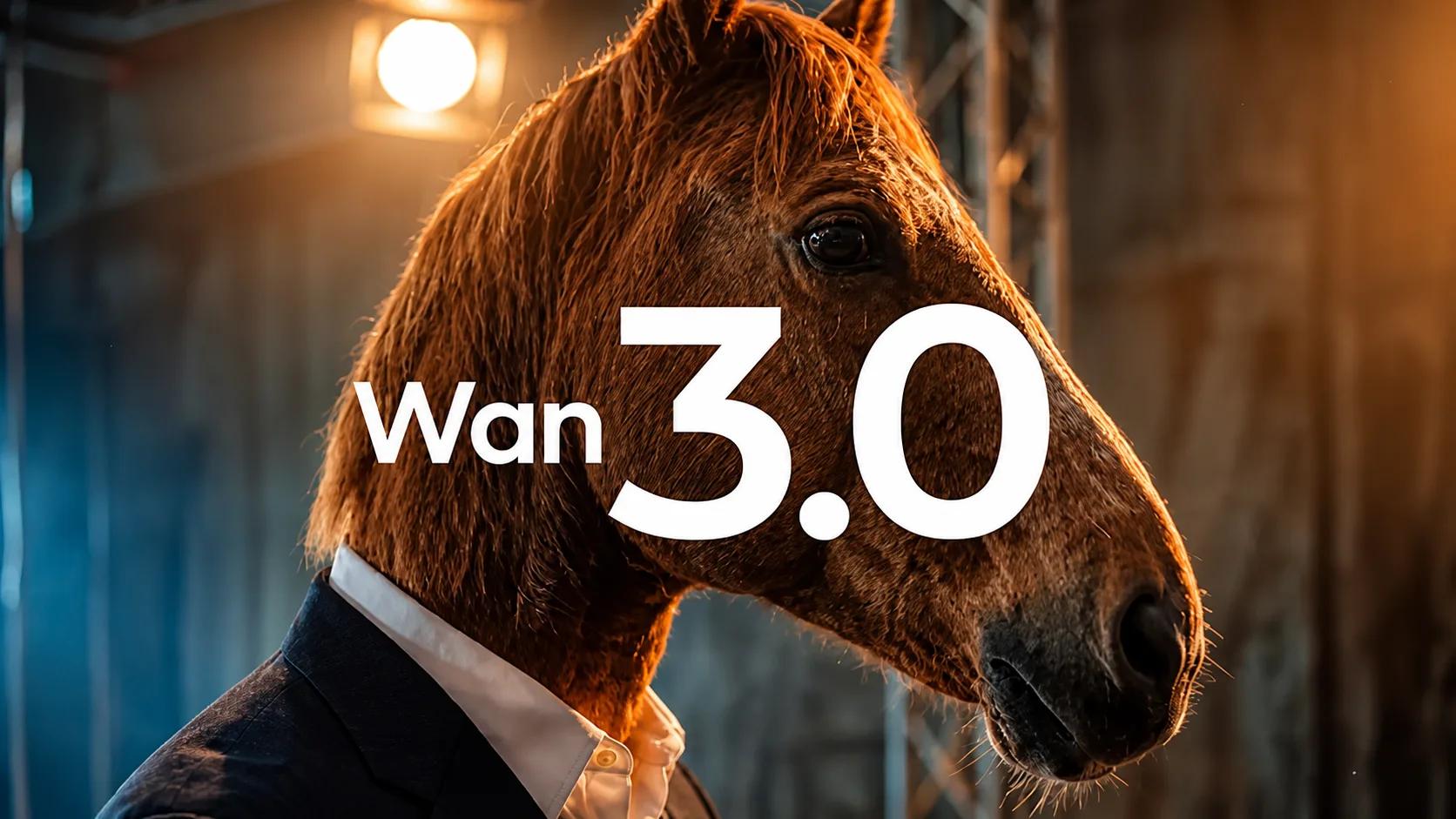
TLDR Wan 3.0 (also styled Wan3.0), Alibaba Tongyi Lab’s latest all-in-one video model, generates native 30-second continuous clips at up to 1080p with synchronized audio in a single pass. It supports text-to-video, image-to-video, first-and-last-frame conditioning, and powerful Omni-Reference workflows that accept images, video, audio, documents (PDF, PPT, XLS, DOC, MD, etc.), and webpages.
Public beta opened 6 August 2026; wider access followed around 24 August 2026. Pricing is roughly $0.05/s (480p), $0.10/s (720p), and $0.20/s (1080p). For developers and teams seeking a unified, OpenAI-compatible API to access Wan-family models and 500+ others with simple integration, CometAPI provides an efficient route—currently featuring Wan 2.7 and a growing video catalog via /v1/videos.
Key Takeaways
- Native 30-second single-take generation (double the prior Wan 2.7/2.5 limit of ~15s) with intelligent duration matching.
- Omni-Reference: up to ~10–20 mixed assets (images, videos ≤15s total, audios, one document/webpage) for strong subject, product, and style consistency.
- Document- and webpage-to-video is a standout: feed a PDF, deck, spreadsheet, or public URL and receive structured video.
- Native audio generation in the same pass; resolutions 480p/720p/1080p; multiple aspect ratios.
- Stronger face/micro-expression fidelity, steadier references, and cleaner on-screen text than earlier generations.
- Access via Alibaba Cloud Model Studio / Qwen Cloud (model
wan3.0-video), wan.video, and third-party platforms. For streamlined multi-model development, use CometAPI’s unified video endpoint. - Prompt like a shot brief (subject + action + camera + timing + constraints) and label references explicitly (@Image1, etc.).
What Is Wan 3.0?
Wan 3.0 is the newest flagship in Alibaba’s Tongyi Wanxiang (Wan) video generation family, developed by Tongyi Lab. It builds on the diffusion-transformer lineage of earlier open and closed Wan releases (including the widely studied open Wan series from 2025).
Key upgrades over Wan 2.7 / 2.5 include:
- Maximum native duration doubled to 30 seconds in one continuous generation (not stitched clips).
- Expanded multimodal inputs beyond text/image/video/audio to include office documents and public webpages.
- Improved “Reality-grade” rendering for faces, micro-expressions, product details, and digital/UI content consistency.
- Unified all-in-one model covering text-to-video (T2V), image-to-video (I2V), first-and-last-frame, reference-to-video, and related editing/extension capabilities.
Alibaba positions it for marketing videos, short dramas, social content, product demos, training/simulation footage (e.g., robotics or AV), and corporate explainers. The model remains closed-weights / API-only (open weights stop at earlier Wan 2.x releases).
Supporting data & sources: List pricing examples (international): 480p $0.05/s, 720p $0.10/s, 1080p $0.20/s (a 30-second 1080p clip ≈ $6 standard). Some platforms offer Standard vs faster Prime tiers or temporary discounts.
How Do You Use Wan 3.0 API
Alibaba Cloud exposes Wan 3.0 through the Model Studio video-generation API. The current model identifier is:
wan3.0-video
The API uses asynchronous video generation. A representative request is:
curl --location 'https://{WorkspaceId}.ap-southeast-1.maas.aliyuncs.com/api/v1/services/aigc/video-generation/video-synthesis' \
  -H 'X-DashScope-Async: enable' \
  -H "Authorization: Bearer $DASHSCOPE_API_KEY" \
  -H 'Content-Type: application/json' \
  -d '{
    "model": "wan3.0-video",
    "input": {
      "prompt": "A cinematic product commercial showing a premium coffee machine in a modern kitchen."
    },
    "parameters": {
      "resolution": "720P",
      "ratio": "16:9",
      "duration": 10,
      "enable_thinking": false
    }
  }'
Alibaba's API reference notes that the model, endpoint, and API key need to belong to the same region. The API is asynchronous, so applications should submit the task and then retrieve the generated result after processing.
For image-to-video and reference-based workflows, the input object can include reference media. Alibaba's current example demonstrates a combination of reference video and reference images in the same request.
How to Use Wan 3.0 via CometAPI (Recommended for Developers)
CometAPI offers a unified, OpenAI-compatible interface to 500+ models, including Alibaba Wan-family video models (Wan 2.7 currently listed with competitive per-second pricing; check the live catalog for Wan 3.0 as availability expands). Video generation uses the /v1/videos endpoint with multipart form data—ideal for production pipelines, n8n/Make automation, or switching between Wan, Seedance, Kling, Veo, MiniMax, etc., under one key.
CometAPI steps:
- Sign up / log in at cometapi.com and create an API key (sk-…).
- Review the video API docs (apidoc.cometapi.com) and model list for the exact Wan ID (e.g.,
wan2.7pattern; confirm latest). - Submit via POST
https://api.cometapi.com/v1/videoswith form fields: - Receive a task/ID; poll the status endpoint or use webhooks until complete.
- Download the resulting video content.
- Monitor usage and costs in the CometAPI dashboard (pay-as-you-go, no monthly minimums).
How to Prompt Wan 3.0 Effectively
Treat prompts as shot briefs, not casual captions. A proven structure (adapted from community and platform guides):
SPACE-style or shot-list formula:
- Subject: concrete description of who/what.
- Performance/Action: visible motion and state changes in temporal order.
- Ambience/Setting: location, time, lighting, weather.
- Camera: shot size + one clear move (slow push-in, orbit, tracking, static).
- Extra: style, audio cues, pacing, constraints (“keep label readable”, “preserve face identity”).
For multi-beat 30s clips, number the shots with time ranges:
Overall: A premium product reveal of a ceramic perfume bottle on wet black stone at dusk.
Shot 1 [0-8s]: Wide establishing, slow three-quarter orbit, warm rim light, gentle rain.
Shot 2 [8-18s]: Closer product focus, bottle rotates slowly, label and gold cap remain sharp.
Shot 3 [18-30s]: Final push-in to detail, soft ambient score, hold on the logo.
Keep bottle shape, label position, and gold cap consistent. Cinematic, calm pacing, no text overlays.
Reference binding (critical for Omni-Reference):
@Image1 is the female character (face and yellow jacket).
@Image2 is the rainy alley background.
@Audio1 provides the voice timbre.
The character from @Image1 walks through the alley from @Image2 and says “…” using the voice of @Audio1.
Additional tips:
- Be specific about observable actions and spatial relationships.
- Use negative prompts for common failure modes (distorted hands, unwanted text, style drift).
- For documents: “Create an explainer video that follows the structure of the attached PDF, emphasizing the three key metrics on page 2 and the conclusion recommendations.”
- Iterate: generate short versions first, then expand successful beats.
- Camera language and lighting descriptors improve cinematic quality.
Why Use Wan 3.0?
Wan 3.0 is most compelling when the application needs to transform multiple kinds of source material into a coherent video rather than simply turning a text prompt into a short clip.
Its strongest advantages are:
- 30-second native video generation
- Text-to-video and image-to-video
- Multi-reference video generation
- Text, image, video, audio, and document inputs
- Document and web-page-to-video workflows
- Native audiovisual generation
- 1080P output
- Instruction-based video editing
- Strong reference consistency
- Per-second pricing
- A single model for multiple creative workflows
For developers building AI film tools, advertising systems, product-video generators, educational-content platforms, or multimodal creative agents, these capabilities can significantly reduce the number of separate models and preprocessing steps required.
Conclusion and Recommendation
Wan 3.0 represents a meaningful step toward practical, production-oriented AI video: longer continuous takes, genuine document-to-video, and stronger multi-modal control. Combined with thoughtful prompting and reference discipline, it can compress days of traditional production into minutes for many marketing, explainer, and short-form use cases.
For developers and teams building applications or internal tools, start with official Alibaba channels for the purest Wan 3.0 experience, and consider CometAPI (cometapi.com) as a high-productivity gateway. Its unified video API, broad model coverage (including current Wan 2.7 and expanding catalog), OpenAI-compatible interface, and transparent pay-as-you-go model make it straightforward to experiment, scale, and combine Wan-class generation with complementary LLMs, image, and audio models under a single integration.
Check the latest model list and documentation on CometAPI and Alibaba Cloud Model Studio, experiment with short clips, refine your shot-list prompts, and scale to full 30-second productions. The combination of longer native duration and Omni-Reference opens new creative and business workflows that were previously cumbersome or expensive.