FLUX 3 and Gemini 3.7 Flash are now live on CometAPI →

Blog

Blog CometAPI

Un'API. Ogni modello AI leader.

Aggiornamenti dei modelli, guide API, benchmark e approfondimenti pratici per sviluppare più velocemente con CometAPI.

Come utilizzare l'API Deepseek V4
Guide

Come utilizzare l'API Deepseek V4

Per gli sviluppatori, quella combinazione conta per una ragione semplice: riduce l’attrito della migrazione aumentando il potenziale di ciò che puoi costruire. Non devi imparare una struttura dell’API completamente nuova. Aggiorni il nome del modello, mantieni l’URL di base e rilasci sfruttando una finestra di contesto più ampia e capacità di ragionamento più recenti. La documentazione ufficiale di DeepSeek afferma esplicitamente di mantenere l’URL di base e di cambiare il parametro model in deepseek-v4-pro o deepseek-v4-flash.
A
Anna
Come utilizzare l'API di Claude Opus 4.7
Guide

Come utilizzare l'API di Claude Opus 4.7

Claude Opus 4.7 (ID del modello: `claude-opus-4-7`) è il modello di disponibilità generale più potente di Anthropic, rilasciato il 16 aprile 2026. Apporta un netto salto di qualità nella programmazione basata su agenti, nella visione multimodale ad alta risoluzione (fino a 3.75MP), nel ragionamento adattivo e nei flussi di lavoro di lunga durata, pur mantenendo $5/$25 per milione di token di input/output. Utilizzalo tramite CometAPI per prezzi inferiori del 20-40%, un'unica chiave unificata e cambio di modello istantaneo—nessun lock-in del fornitore.
A
Anna
Short answer: it depends on your use case, and I don’t have verified information about “Seedream 4.5” or a 2026 “GPT Image 1.5.” My knowledge ends in Oct 2024, so I can’t reliably rank these 2026 versions. Here’s how to decide quickly and safely without relying on unverified claims.

What to compare
- Image quality and style range: photorealism, illustration, typography, lighting, anatomy, hands/faces.
- Prompt adherence and controllability: negative prompts, fine-grained attributes, masks, region edits, outpainting/inpainting, reference-guided generation.
- Text in images: legible, spelled correctly, layout fidelity.
- Visual understanding (if multimodal): OCR accuracy, chart/table reading, step-by-step reasoning, grounding.
- Editing workflow: iterative refinement, reversible edits, consistent characters/products across shots.
- Speed and scale: latency at batch sizes you need, throughput, rate limits, cold starts.
- Cost: per image/per token, retries, long-context or high-resolution surcharges.
- Safety and governance: content filters, bias behavior, watermarking, copyright protections, opt-out/data retention.
- Deployment: cloud vs on-prem/edge, region availability, SLAs, version pinning, seed control/reproducibility.
- Ecosystem: SDKs, integrations (design tools, 3D, ControlNet-like tools), community models, fine-tuning or LoRA support.

A quick bake-off plan (1–2 days)
- Define tasks: e.g., product hero shots, marketing banners with text, character-consistent scenes, technical diagrams, photo edits, OCR+reasoning.
- Build a small, fixed prompt suite (10–30 prompts) with expected outputs and, if possible, fixed seeds and identical negative prompts/parameters.
- Measure:
  - Automatic: CLIPScore, PickScore, aesthetic predictors; OCR word accuracy on rendered text; color/pose/attribute compliance.
  - Human: blind A/B(X) voting by 3–5 reviewers for fidelity, appeal, and prompt-following.
  - Robustness: multilingual prompts, long prompts, typos, low-light scenes, tiny text, overlapping objects.
  - Ops: average/95th percentile latency, failure rate/timeouts, cost per accepted image.
- Record reproducibility: version IDs, seeds, exact parameters, API regions.

Rules of thumb by use case
- Marketing/brand visuals with text: favor the model that reliably renders clean typography and preserves brand colors/layouts.
- Photoreal product shots and people: choose the model with fewer anatomical artifacts and better lighting/shadow coherence.
- Precise edits and consistency: prioritize strong inpainting/masking and reference-based control; test character/product consistency across 5–10 images.
- Charts, docs, OCR+reasoning: pick the model with higher OCR accuracy and fewer hallucinations in visual Q&A.

If you can share:
- Your primary tasks (generation, editing, or vision understanding)
- Target styles (photoreal, flat illustration, 3D, typographic)
- Volume/latency and budget constraints
- Deployment needs (on-prem/compliance)

I can suggest a tailored head-to-head prompt suite and scoring sheet you can run in a few hours to determine which is better for you.
AI Comparisons

Short answer: it depends on your use case, and I don’t have verified information about “Seedream 4.5” or a 2026 “GPT Image 1.5.” My knowledge ends in Oct 2024, so I can’t reliably rank these 2026 versions. Here’s how to decide quickly and safely without relying on unverified claims. What to compare - Image quality and style range: photorealism, illustration, typography, lighting, anatomy, hands/faces. - Prompt adherence and controllability: negative prompts, fine-grained attributes, masks, region edits, outpainting/inpainting, reference-guided generation. - Text in images: legible, spelled correctly, layout fidelity. - Visual understanding (if multimodal): OCR accuracy, chart/table reading, step-by-step reasoning, grounding. - Editing workflow: iterative refinement, reversible edits, consistent characters/products across shots. - Speed and scale: latency at batch sizes you need, throughput, rate limits, cold starts. - Cost: per image/per token, retries, long-context or high-resolution surcharges. - Safety and governance: content filters, bias behavior, watermarking, copyright protections, opt-out/data retention. - Deployment: cloud vs on-prem/edge, region availability, SLAs, version pinning, seed control/reproducibility. - Ecosystem: SDKs, integrations (design tools, 3D, ControlNet-like tools), community models, fine-tuning or LoRA support. A quick bake-off plan (1–2 days) - Define tasks: e.g., product hero shots, marketing banners with text, character-consistent scenes, technical diagrams, photo edits, OCR+reasoning. - Build a small, fixed prompt suite (10–30 prompts) with expected outputs and, if possible, fixed seeds and identical negative prompts/parameters. - Measure: - Automatic: CLIPScore, PickScore, aesthetic predictors; OCR word accuracy on rendered text; color/pose/attribute compliance. - Human: blind A/B(X) voting by 3–5 reviewers for fidelity, appeal, and prompt-following. - Robustness: multilingual prompts, long prompts, typos, low-light scenes, tiny text, overlapping objects. - Ops: average/95th percentile latency, failure rate/timeouts, cost per accepted image. - Record reproducibility: version IDs, seeds, exact parameters, API regions. Rules of thumb by use case - Marketing/brand visuals with text: favor the model that reliably renders clean typography and preserves brand colors/layouts. - Photoreal product shots and people: choose the model with fewer anatomical artifacts and better lighting/shadow coherence. - Precise edits and consistency: prioritize strong inpainting/masking and reference-based control; test character/product consistency across 5–10 images. - Charts, docs, OCR+reasoning: pick the model with higher OCR accuracy and fewer hallucinations in visual Q&A. If you can share: - Your primary tasks (generation, editing, or vision understanding) - Target styles (photoreal, flat illustration, 3D, typographic) - Volume/latency and budget constraints - Deployment needs (on-prem/compliance) I can suggest a tailored head-to-head prompt suite and scoring sheet you can run in a few hours to determine which is better for you.

GPT Image 1.5 (OpenAI, dic 2025) si distingue per una generazione 4× più veloce (5–15 secondi), punteggi LM Arena ELO di prim’ordine (~1,264–1,285) e una superiore capacità di seguire le istruzioni per l’editing. Seedream 4.5 (ByteDance, dic 2025) eccelle nella tipografia, nella risoluzione 4K, nella coerenza tra più immagini (fino a 14 riferimenti) e in un prezzo fisso di $0.04/immagine. Scegli GPT Image 1.5 per velocità e versatilità; Seedream 4.5 per lavori commerciali ad alto contenuto di design. Entrambi sono accessibili a costi contenuti tramite la piattaforma unificata di **CometAPI**, con risparmi del 20%+ e integrazione con una singola chiave.
A
Anna
Posso usare Claude Code in VSCode nel 2026?
Guide

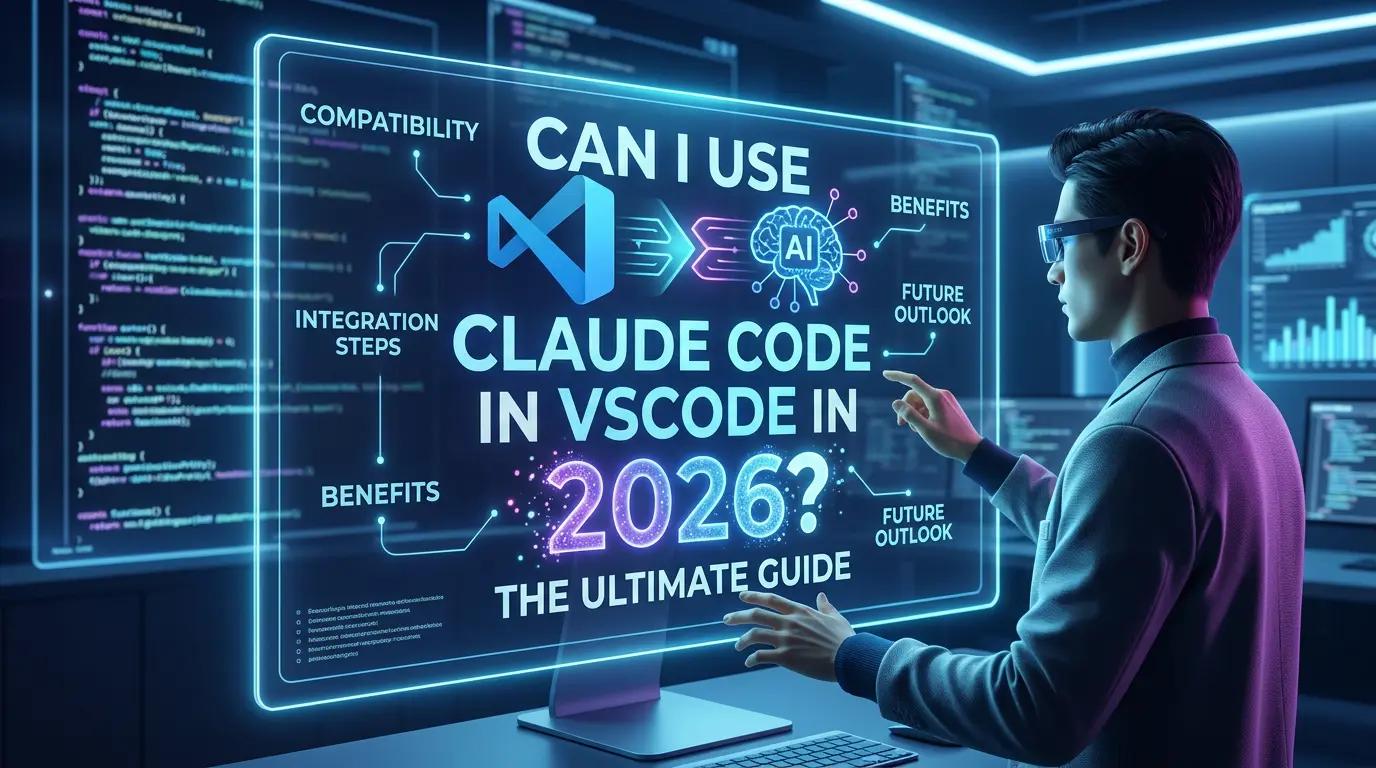
Posso usare Claude Code in VSCode nel 2026?

È possibile utilizzare Claude Code in VS Code. La documentazione attuale di Anthropic indica che l'estensione per VS Code è la modalità consigliata per utilizzare Claude Code nell'editor, con diff in linea, menzioni con @, revisione del piano e cronologia delle conversazioni. È inoltre possibile eseguire la CLI di Claude Code nel terminale integrato di VS Code per flussi di lavoro avanzati e funzionalità disponibili solo tramite CLI.

A
Anna