Elige tu plan
Blog de gpt-5.2
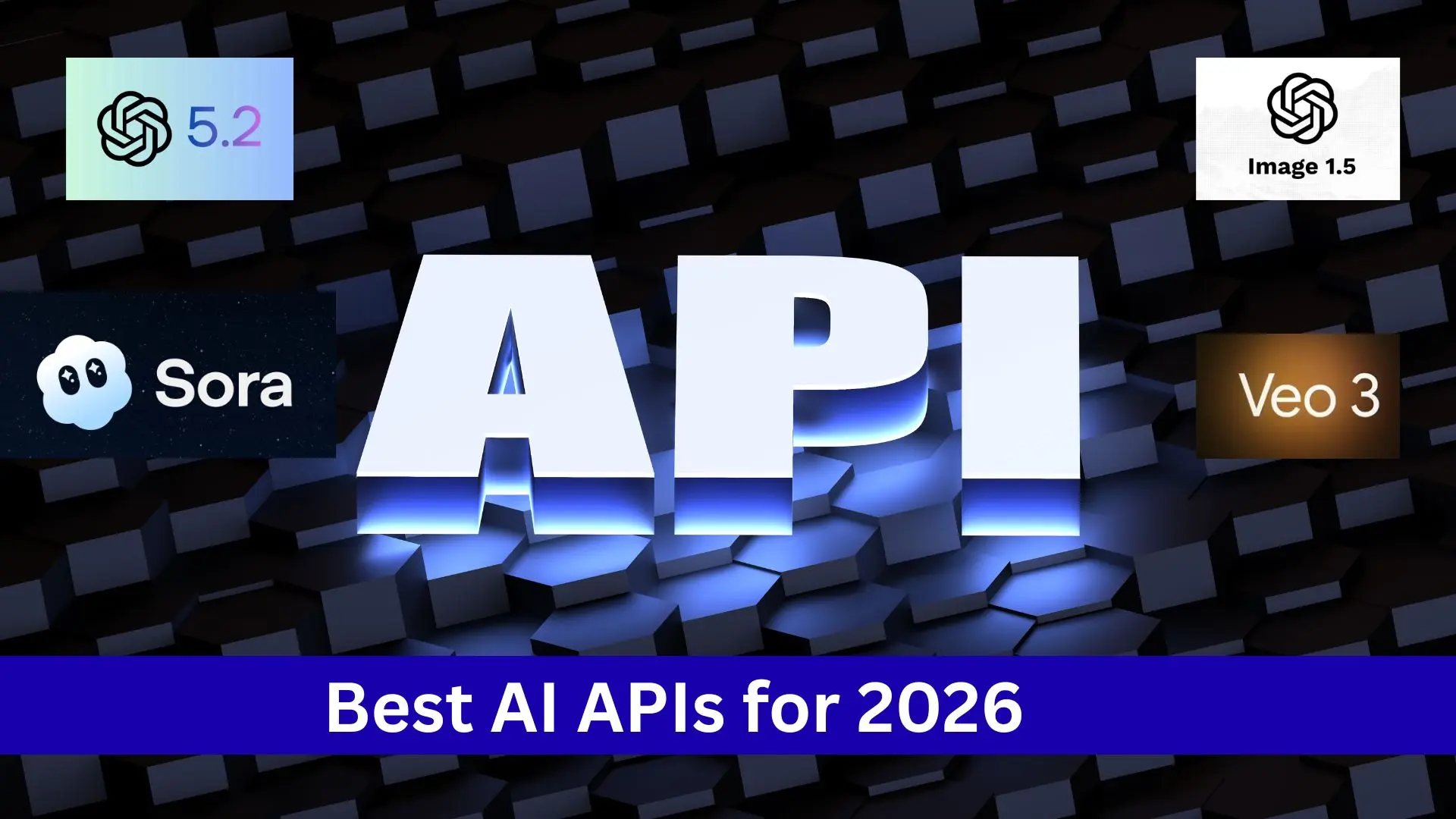
Las mejores API de IA para 2026: GPT-5.2, GPT Image 1.5, Sora 2 y Veo 3.1, explicadas
En 2026, las principales y mejores API de IA son GPT-5.2, GPT Image 1.5, Sora 2 y Veo 3.1. Aprenderá qué hace cada API, dónde funciona mejor y ejemplos prácticos de uso. La IA ya no se centra en una sola tarea. Las herramientas más eficaces combinan la generación de texto, imagen y video, lo que hace que la producción de contenido sea más rápida y coherente.
Cómo usar la API de GPT-5.2 Codex
El panorama de la ingeniería de software automatizada ha cambiado drásticamente con el lanzamiento oficial por parte de OpenAI de **GPT-5.2 Codex**. Mientras que su predecesor, GPT-5.1, nos introdujo en el concepto de "modelos de razonamiento" en el código, GPT-5.2 Codex representa el primer verdadero "Agentic Engineer" de la industria—un modelo capaz no solo de escribir código, sino también de mantener un contexto arquitectónico a largo plazo, navegar por entornos de terminal complejos y refactorizar de forma autónoma enormes bases de código heredadas.
I don’t have real-time pricing for 2026. As of my last update (Oct 2024), “ChatGPT Go” was not an official plan name from OpenAI; common plans were Free ($0), Plus (~$20/month), Team (per user/month), and Enterprise (custom). “ChatGPT Go” may be a newer or regional offer. How to check the current price - Open ChatGPT > Settings > Plan or Upgrade to see pricing available in your region. - Visit openai.com/pricing for official plan details. - Check help.openai.com and the ChatGPT in‑app announcements for plan changes or promos. Quick guide to choosing a ChatGPT plan in 2026 - Availability by region: Some plans roll out gradually or use different names regionally. - Features to compare: - Model access and speed (e.g., GPT‑4‑class models, image/voice, file uploads). - Daily/message limits and rate limits. - Priority access during peak times. - Workspace features (shared conversation settings, admin controls) for teams. - Data controls (chat history, training opt‑outs). - Billing - Monthly vs annual pricing and any student/educational discounts (if applicable). - Tax/VAT and currency differences by country. - Upgrade/downgrade and cancellation terms. - How to subscribe - In app: Settings > Plan > Choose plan > Add payment method. - Web: Sign in at chat.openai.com, click Upgrade, follow checkout. - Troubleshooting - If you don’t see the “Go” plan, it may not be available in your region/account type. - Clear cache or try web vs mobile app; verify you’re on the correct account/email. If by “ChatGPT Go” you meant the lower-cost “mini/Go” models for the API rather than a ChatGPT subscription, see openai.com/pricing for per‑token rates. Share your region and whether you’re looking for an individual or team plan, and I can tailor the guidance.
ChatGPT Go es el nuevo nivel de suscripción de bajo costo de OpenAI para la familia de productos ChatGPT. Se sitúa entre el nivel gratuito y los niveles existentes de mayor costo (Plus, Pro, Business/Enterprise), con el objetivo de ampliar el acceso de pago a modelos más potentes y funciones útiles, manteniendo el precio accesible para un público más amplio.
Cómo usar la API de GPT-5.2
GPT-5.2 es un paso significativo en la evolución de los modelos de lenguaje grandes: mayor capacidad de razonamiento, ventanas de contexto más amplias, uso más sólido de código y herramientas, y variantes ajustadas para distintos compromisos entre latencia y calidad. A continuación, combino las notas de la versión oficial más reciente, informes y herramientas de terceros (CometAPI) para ofrecer una guía práctica y lista para producción para acceder a GPT-5.2.
GPT-5.2 vs Gemini 3 Pro: ¿Cuál es mejor en 2026?
A fecha del 15 de diciembre de 2025, los hechos públicos muestran que Gemini 3 Pro de Google (preview) y GPT-5.2 de OpenAI establecen nuevas fronteras en razonamiento, multimodalidad y trabajo con contextos largos — pero adoptan rutas de ingeniería diferentes (Gemini → MoE disperso + contexto enorme; GPT-5.2 → diseños densos/“routing”, compactación y modos de razonamiento x-high) y, por lo tanto, presentan concesiones entre los mejores resultados en benchmarks frente a la previsibilidad de la ingeniería, el tooling y el ecosistema. Cuál es “mejor” depende de su necesidad principal: las aplicaciones agénticas multimodales de contexto extremo se inclinan por Gemini 3 Pro; el tooling estable para desarrolladores empresariales, los costos predecibles y la disponibilidad inmediata de la API favorecen a GPT-5.2.
¿Qué es GPT-5.2? ¡Un vistazo a 5 actualizaciones clave de GPT-5.2!
GPT-5.2 es la versión puntual de diciembre de 2025 de la familia GPT-5: una familia de modelos multimodales insignia (texto + visión + herramientas) ajustada para el trabajo profesional basado en conocimiento, el razonamiento con contextos extensos, el uso agentivo de herramientas y la ingeniería de software. OpenAI posiciona GPT-5.2 como el modelo más capaz de la serie GPT-5 hasta la fecha y afirma que se desarrolló con un énfasis en el razonamiento fiable de múltiples pasos, el manejo de documentos muy grandes y la mejora de la seguridad/cumplimiento de políticas; la versión incluye tres variantes orientadas al usuario — Instant, Thinking y Pro.
GPT-5.2 está por llegar: ¿Qué hay de nuevo? Todo lo que necesitas saber
GPT-5.2 de OpenAI es el nombre que se está utilizando en la prensa y en los círculos de la industria para una actualización a corto plazo de la familia de modelos GPT-5 que impulsa ChatGPT y