
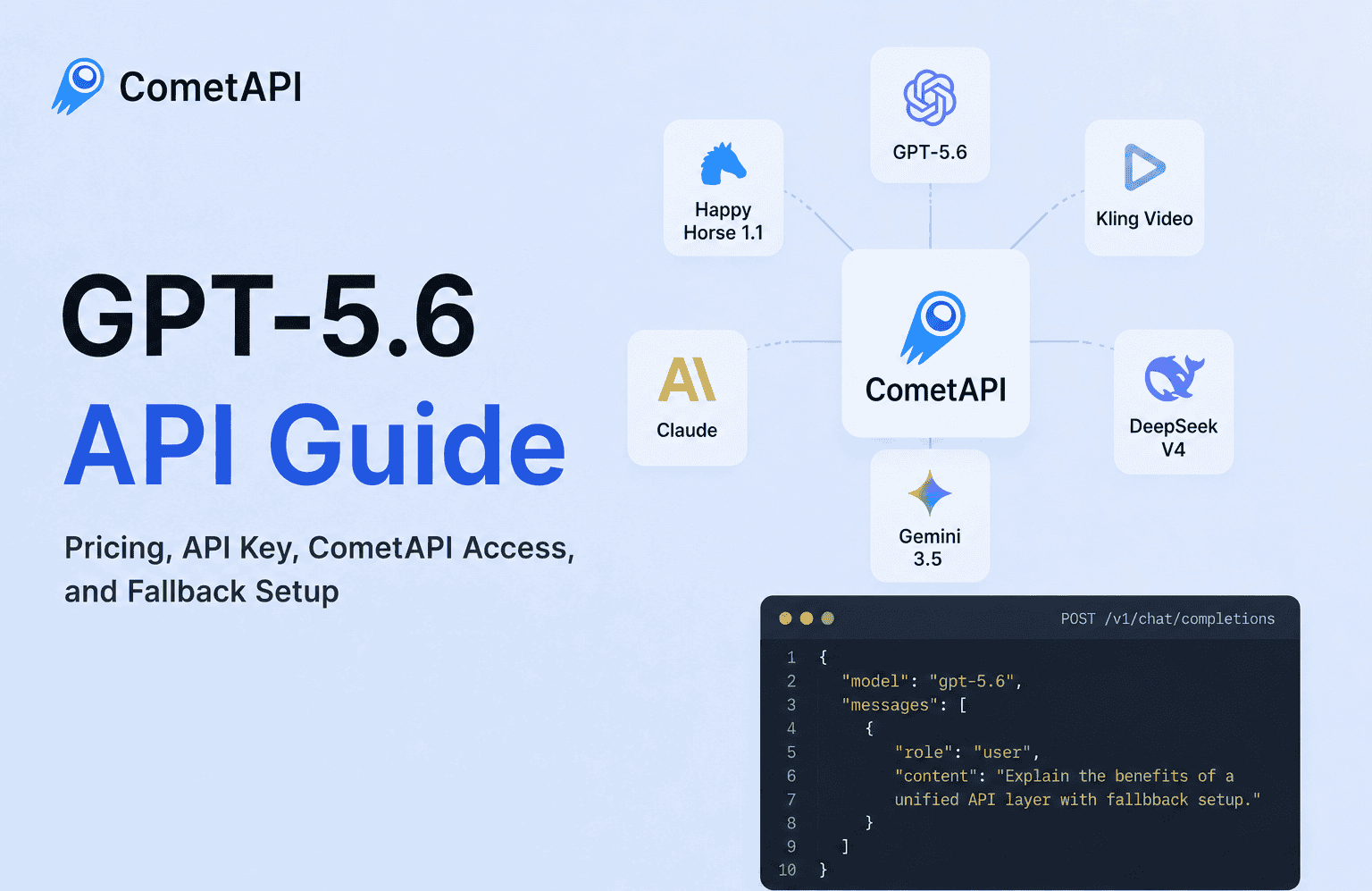
But for developers, the real question is not only what GPT-5.6 can do.
The more practical questions are:
How do you access the GPT-5.6 API?
How do you get a GPT-5.6 API key?
How should you think about GPT-5.6 pricing?
Can you use GPT-5.6 without rebuilding your app every time your model stack changes?
And most importantly, how do you keep your AI app reliable when one provider or model route fails?
This guide explains how developers can think about GPT-5.6 API access, pricing, API keys, and production-ready integration through CometAPI’s unified API layer.
For a general model overview, you can read our full guide here: GPT-5.6 Released: What It Is and What Makes It Great
What Is the GPT-5.6 API?
The GPT-5.6 API allows developers to connect GPT-5.6 capabilities directly into applications, agents, automation tools, coding assistants, SaaS products, and internal AI systems.
Instead of using GPT-5.6 only through a chat interface, API access lets your application call the model programmatically.
Developers can use the GPT-5.6 API for use cases such as:
- AI coding assistants
- Research agents
- Customer support automation
- Internal knowledge assistants
- Data analysis workflows
- SaaS AI features
- Multi-step AI agents
- Developer productivity tools
GPT-5.6 includes different model options such as Sol, Terra, and Luna. In practice, developers should choose a model based on the task: stronger reasoning, lower cost, lower latency, or higher throughput.
This article focuses less on the model announcement itself and more on how to access and use GPT-5.6 as part of a real AI application.
How to Use GPT-5.6 API
The basic workflow for using the GPT-5.6 API looks like this:
- Create an account with an API provider.
- Generate an API key.
- Set the API endpoint in your application.
- Choose the GPT-5.6 model route.
- Send a request from your app.
- Receive the response and use it inside your product.
With CometAPI, the workflow is designed to be familiar for developers who have used OpenAI-style APIs before.
Instead of learning a new integration format for every model provider, your app connects to one OpenAI-compatible API endpoint. From there, you can access GPT-5.6 and other models through the same general interface.
You can start from the CometAPI or view the GPT-5.6 model page here: GPT-5.6 API on CometAPI
Example: GPT-5.6 API Request with CometAPI
Here is a simplified example of what an OpenAI-compatible request may look like through CometAPI.
curl https://api.cometapi.com/v1/chat/completions \ -H "Authorization: Bearer $COMETAPI_KEY" \ -H "Content-Type: application/json" \ -d '{ "model": "gpt-5.6", "messages": [ { "role": "user", "content": "Explain how a unified API layer helps production AI apps." } ] }'
The exact model name may vary (e.g., gpt-5.6-sol or gpt-5.6-terra) depending on the active routes in your CometAPI dashboard. Always check the latest model catalog before deploying to production.
The important point is that your application can keep using a familiar API structure while accessing different models through one platform.
Where to Get GPT-5.6 API Key
To use GPT-5.6 in an application, you need an API key.
An API key authenticates your requests and allows your app to call the model. For small projects, one API key may feel simple enough. But as your AI product grows, your model stack often becomes more complex.
A real AI application may use:
- One model for reasoning
- One model for coding
- One model for fast chat responses
- One model for image generation
- One model for video generation
- One model for audio or speech
- One backup model for reliability
Without a unified API layer, this can quickly turn into:
- Multiple API keys
- Multiple billing dashboards
- Multiple SDKs
- Different documentation
- Different rate limits
- Different error formats
- Different provider outages
CometAPI helps simplify this by giving developers one API key and one OpenAI-compatible endpoint for accessing many models from one place.
That means your team can spend less time managing provider integrations and more time building the actual product.
GPT-5.6 Pricing: What Developers Should Check
Many developers search for GPT-5.6 pricing before testing the model. That makes sense, especially for production apps with long prompts, high traffic, or agent workflows.
With CometAPI, developers can start with a small free testing budget. New users can receive $1 in free credit after registration, which makes it easier to test GPT-5.6-style workflows, compare model outputs, and estimate usage before committing to larger production spending.
For pricing evaluation, developers should not only look at GPT-5.6 in isolation. It is also useful to compare GPT-5.6 with other flagship LLMs, such as Claude, Gemini, DeepSeek, Grok, Qwen, or other models available through the same unified API layer. In many real applications, the best model is not always the most expensive one. The better choice is the model that gives the best balance of quality, cost, latency, and reliability for your use case.
But API pricing should not be judged only by the listed token price.
But API pricing should not be judged only by the listed token price. The real cost also depends on latency, rate limits, error rate, model availability, and whether you have a fallback route when the primary model fails.
A practical way to evaluate GPT-5.6 pricing is to ask three questions:
- What is the cost per successful user action? Token price matters, but failed requests, retries, and long outputs can increase the real cost.
- Can the route handle production traffic? A cheaper route may not be useful if latency is high, limits are low, or availability is unstable.
- Do you have a fallback option? If the default model route fails, a backup model can keep your app online and reduce user-facing errors.
The best pricing choice is not always the cheapest one. For production AI apps, the better option is usually the route that gives the right balance of cost, quality, speed, reliability, and fallback availability.
Is There a Free GPT-5.6 API?
Yes, developers can start testing GPT-5.6 through CometAPI with free trial credit. After creating a CometAPI account, new users can receive $1 in free credit, which can be used to explore supported models and run initial API tests before adding more budget.
This is useful if you want to:
- Test GPT-5.6 API requests
- Check response quality on real prompts
- Estimate token usage
- Compare GPT-5.6 with other LLMs
- Understand latency and error behavior before production use
*
However, a free GPT-5.6 API does not usually mean unlimited production access. In most cases, “free API” means trial credits, limited testing quota, promotional credits, or temporary evaluation access.
For production use, developers should still plan around real API pricing. A practical testing process looks like this:
- Start with a small number of prompts.
- Measure input and output token usage.
- Compare GPT-5.6 with alternative LLMs.
- Test latency and error behavior.
- Estimate monthly usage.
- Add fallback routes before launch.
1.
Free credits are helpful for early evaluation, but long-term product reliability depends on cost planning, monitoring, and infrastructure design.
Why a Unified API Layer Matters
Many AI apps work perfectly during testing.
The problem starts after launch.
If your app depends on only one external AI provider, that provider becomes a single point of failure. If the provider has an outage, a rate limit issue, a latency spike, or a model availability problem, your app can be affected immediately.
Your users do not care which provider failed.
They only see that your product stopped working.
That is why a unified API layer matters.
Instead of hard-coding your app to one model or one provider, your application talks to one stable interface. Underneath that layer, you can switch models, test new routes, or use fallback logic when something fails.
A simple architecture looks like this:
| Setup | What Happens |
|---|---|
| Direct integration | Your app calls one provider directly. If that provider fails, your app may fail too. |
| Unified API layer | Your app calls one API layer. The model route underneath can be changed or backed up. |
| Unified API with fallback | If the primary route fails, your system can switch to another model or provider route. |
This is especially important for developers building with Claude Code, Cursor, AI agents, SaaS tools, and automation workflows.
The goal is not just to make GPT-5.6 work once.
The goal is to build an AI app that keeps working when models, providers, pricing, traffic, and availability change.
How Fallback Works in an AI App
Fallback is a simple idea with a big impact.
Your app sends a request to the default model. If that model is unavailable, too slow, rate-limited, or returning errors, the system can route the request to a backup model.
For example:
- Your app sends a request to GPT-5.6.
- The request fails or times out.
- Your fallback layer sends the request to another suitable model.
- The user still receives a response.
- Your app stays online.
This does not mean every fallback response will be identical. Different models may produce different outputs. But in many production scenarios, a slightly different response is better than a complete failure.
Fallback is useful for:
- Chatbots
- AI agents
- Coding tools
- Customer support workflows
- Internal automation
- High-traffic SaaS features
- Apps that depend on external AI APIs
With a unified platform like CometAPI, developers can design their model access layer more flexibly instead of locking the entire product to one route.
Why to Use GPT-5.6 with CometAPI
CometAPI gives developers a unified way to access GPT-5.6 and other AI models through one OpenAI-compatible API layer.
This is useful for teams that want to:
- Test GPT-5.6 quickly
- Compare GPT-5.6 with other models
- Reduce API integration work
- Use one API key for multiple models
- Build fallback routes
- Avoid vendor lock-in
- Add multimodal capabilities over time
Instead of treating every model as a separate integration project, CometAPI lets your application connect to one API layer and change the model underneath.
That flexibility matters because AI apps rarely stay simple.
A product may start with one text model, then add coding, image, video, audio, and agent workflows later. If every new capability requires a new integration, your engineering overhead grows quickly.
CometAPI helps keep the model layer easier to manage.
Learn more here: GPT-5.6 API on CometAPI
Best Practices for Using GPT-5.6 API in Production
Before using GPT-5.6 in a production app, developers should think beyond the first successful API call.
Here are a few practical best practices:
Start with a clear use case
Do not test GPT-5.6 only with generic prompts. Test it against the real tasks your users will perform.
For example:
- Can it solve your coding task?
- Can it follow your tool instructions?
- Can it handle your support workflow?
- Can it maintain quality across repeated requests?
- Can it work within your latency budget?
The best model is not always the most powerful model. It is the model that performs reliably for your specific product.
Track cost from the beginning
Token usage can grow quickly in production, especially with long context, agent loops, or document-heavy workflows.
Track:
- Average input tokens per request
- Average output tokens per request
- Cost per user action
- Cost per workflow
- Monthly projected usage
This helps you avoid surprises later.
Add fallback before your first outage
Do not wait until your first provider outage to design fallback.
A basic fallback strategy can help your app survive model downtime, rate limits, or temporary route issues.
Even a simple backup model is better than returning an error to every user.
Keep your model layer flexible
Avoid hard-coding your entire application around one model forever.
A flexible model layer allows you to:
- Replace models faster
- Compare new releases
- Control costs
- Improve latency
- Reduce provider dependency
This is one of the biggest benefits of using a unified API platform.
Final Thoughts
GPT-5.6 API access is valuable for developers building advanced AI apps, coding tools, agents, SaaS products, and automation workflows.
But API access alone is not enough.
As AI products move from demo to production, developers also need to think about pricing, API keys, latency, reliability, fallback routes, and long-term maintainability.
CometAPI helps solve this by giving developers one OpenAI-compatible API layer for accessing GPT-5.6 and many other models from one place.
Instead of rebuilding your app every time a new model becomes important, you can keep your integration stable and switch the model layer underneath.
For production AI apps, that flexibility can be just as important as the model itself.
Get started with CometAPI here: