Choose your path
Grok Blog
Grok 4.7 vs Claude Fable 5.1: Benchmarks, Pricing, Coding, Agents, and API Comparison
Compare Grok 4.7 vs Claude Fable 5.1 across benchmarks, coding, AI agents, context windows, API pricing, tools, and CometAPI access.
How to Build an AI Agent with Grok 4.7: Python, Tool Calling, and Multi-Model Fallback
Build a Grok 4.7 AI agent in Python with tool calling, bounded execution, and application-managed fallback across GPT, Claude, Gemini, and DeepSeek.
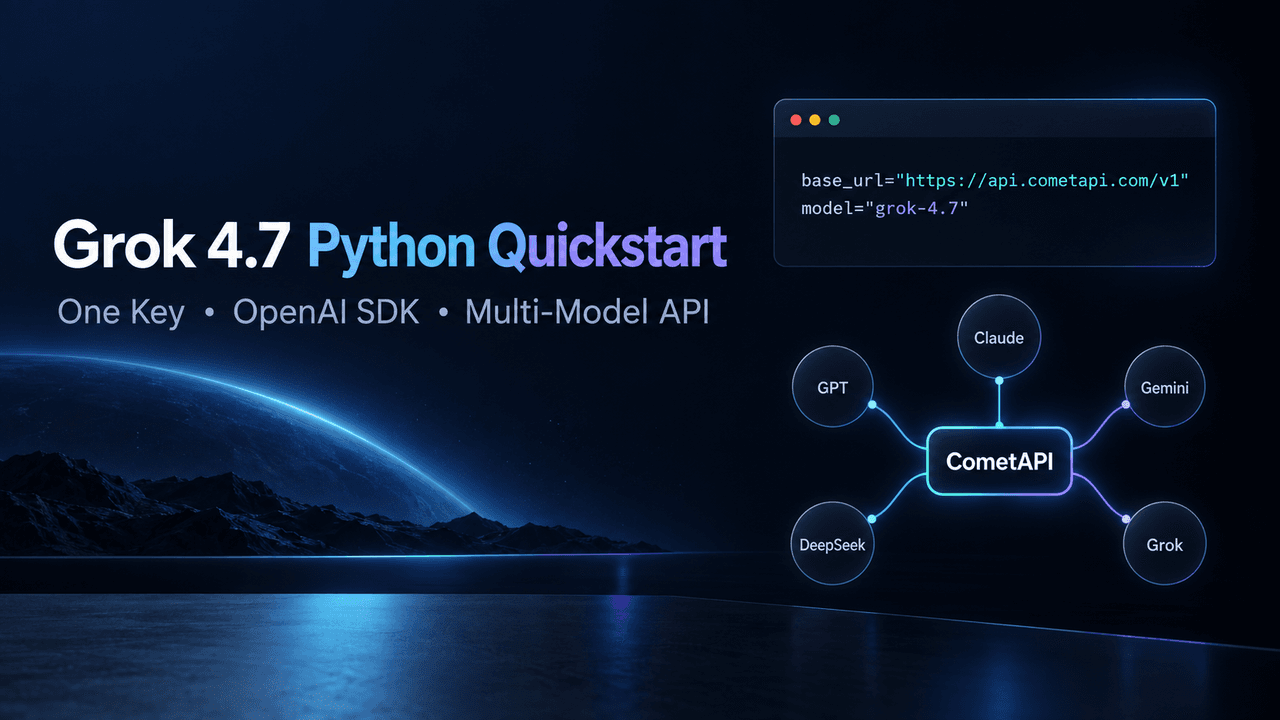
How to Use Grok 4.7 API with Python: API Key, OpenAI SDK, and First Request
Use Grok 4.7 with Python and the OpenAI SDK through CometAPI, then reuse one API key to access GPT, Claude, Gemini, DeepSeek, and Grok.
Grok 4.7 API Pricing on CometAPI: Official Baseline, Cost Estimates, and Savings
Compare Grok 4.7 API rates with CometAPI pricing, estimate monthly spend, reduce AI app costs with caching, context control, application-level output caps.
Grok 4.7: Benchmarks, Pricing, Features and API Access
Learn what Grok 4.7 is, including its 500K context window, benchmarks, pricing, reasoning modes, agent capabilities, Grok 4.6 comparison, and access.

How Can I Access GPT, Claude, Gemini, DeepSeek, and Grok Through One API?
Compare CometAPI, OpenRouter, Portkey, and LiteLLM for accessing GPT, Claude, Gemini, DeepSeek, and Grok through one API.
Grok 4.7 Is available? 2.1T Model, SpaceX Training, and the Release Window
Grok 4.7 launched on September 21, 2026. Explore its coding benchmarks, improvements over Grok 4.6, API pricing, and how to access the released model.
Grok 4.6 vs Kimi K3: Comprehensive comparison
choose Grok 4.6 for a cost-efficient hosted agent API; choose Kimi K3 for 1M context, open weights and infrastructure control.