Choose your path
OpenAI Blog
OpenAI Dots: What Are OpenAI's Always-On AI Agents?
Understand OpenAI Dots, compare them with Codex and ChatGPT Work, and learn when API agents offer better tool control and cost attribution.
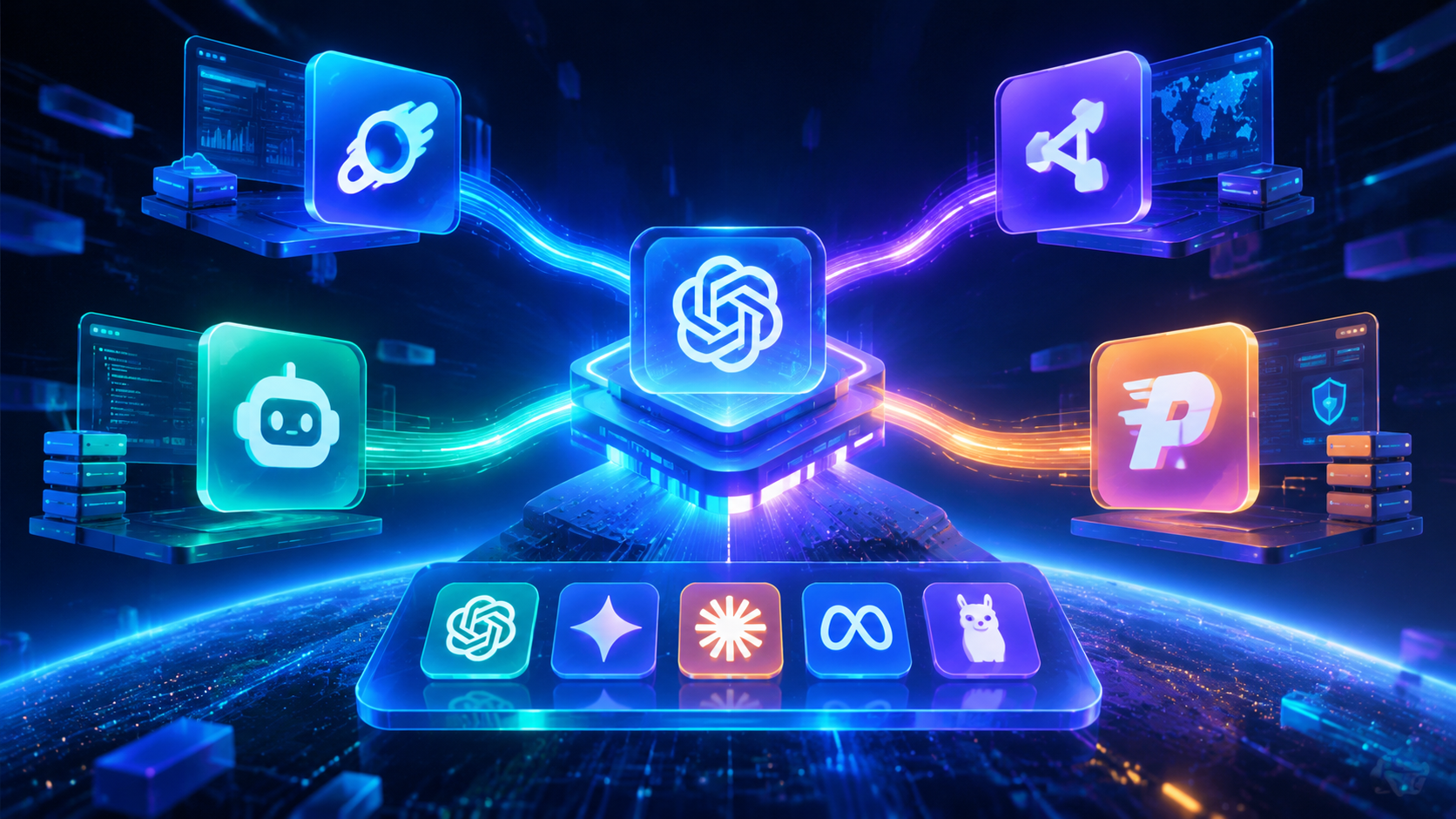
One OpenAI-Compatible API for Multiple AI Models: CometAPI, OpenRouter & More
Learn how one OpenAI-compatible base URL can call multiple AI models, with a practical comparison of CometAPI, OpenRouter, LiteLLM, and Portkey.
GPT-6 Astra vs GPT-5.6 Sol: Should You Upgrade?
Compare GPT-6 Astra vs GPT-5.6 Sol across specs, benchmarks, workflow, long context, API pricing, cost per completed task to choose the right OpenAI model.
GPT-6 Astra: Features, Pricing, and How to Use It
What is GPT-6 Astra? Explore OpenAI's model features, API pricing, benchmarks, context limits, and how to use it for coding, research, and computer use.
GPT-5.6 API: Pricing, Sol vs Terra vs Luna, Benchmarks, and Access
Compare GPT-5.6 API pricing, Sol, Terra, and Luna capabilities, availability, benchmarks, model selection, and CometAPI access with current code examples.
OpenAI-compatible APIs explained: All You Need to Know
Learn what an OpenAI-compatible API is, why compatibility matters, how CometAPI works with Chat Completions and Responses API, what models you can run behind it
Function Calling in the OpenAI API: What It Actually Does and How to Use It Right
Master OpenAI Function Calling: move beyond prompt engineering to structured orchestration. Learn strict schema enforcement, security best practices, and agentic workflows. Standardize tool calling across GPT, Claude, and Gemini with CometAPI.

Where Is Deep Research in ChatGPT? A professional overview
Over 2024–2025 ChatGPT and its sibling models shifted from being purely conversational LLMs to offering end-to-end deep research capabilities: