Stable Diffusion Blog

How to Download Stable Diffusion — A Step-by-Step Guide
This is 6 steps. Step 1: Ensure your computer is running Windows 10/11, equipped with an NVIDIA graphics card (at least 6GB of VRAM recommended), and that your graphics card drivers are updated. Step 2: Install Git and Python 3.10. Step 3: Right-click in any folder on your computer and select "Git Bash Here" to download the Stable Diffusion WebUI. Step 4: Download the Stable Diffusion model file from Hugging Face and place it in the specified folder. Step 5: Double-click webui-user.bat to launch the program. The first run will automatically download the necessary components. Step 6: Once the terminal displays the local address, open it in your browser to use Stable Diffusion.
Can I Run Stable Diffusion Without a GPU
Stable Diffusion has revolutionized the field of generative AI, making high-quality text-to-image synthesis accessible to a wide range of users.
Can Individuals Use Stable Diffusion for Free?
Stable Diffusion has rapidly become one of the most influential text-to-image generative AI models, offering users unprecedented creative freedom. At its
Is Stable Diffusion Free?
Stable Diffusion, developed by Stability AI, has emerged as a prominent open-source text-to-image model, renowned for its high-quality outputs and
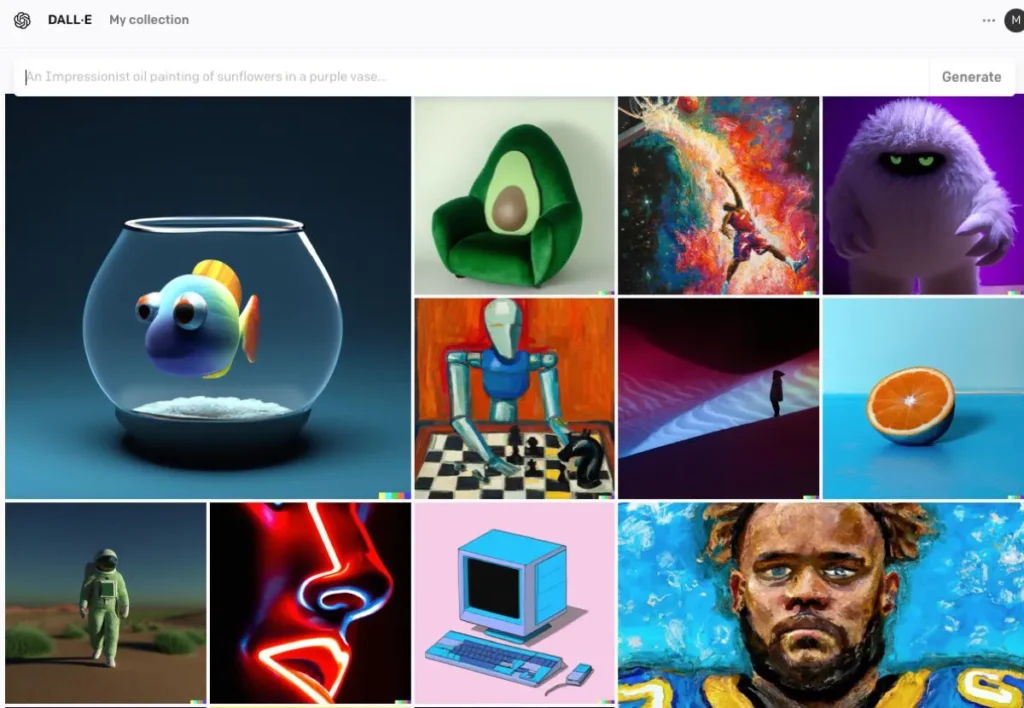
AI Image Generation: How Does Work?
The ability to AI Image Generation has opened new avenues in art, design, and technology. This article delves into the mechanisms behind AI-generated images, the models that power them, and the broader implications of this technology.

Evaluating the Latest AI Image Generators As of April 2025
By mid-April 2025, AI image generation has evolved into a sophisticated field, offering tools that cater to a wide range of users—from hobbyists to

Stable Diffusion 3: Advances, Applications & Principle
The remarkable journey of artificial intelligence has reached another milestone with the release of Stable Diffusion 3, a groundbreaking AI model that has

Stable Diffusion XL 1.0 API
Stable Diffusion XL 1.0 API is a powerful text-to-image generation interface that leverages advanced diffusion models to create high-quality, detailed images from text prompts with enhanced aesthetics, composition, and photorealism compared to previous versions.