Scegli il tuo piano
Blog Qwen
Come utilizzare l'API Qwen3.8-Omni-Flash
Come utilizzare l'API Qwen3.8-Omni-Flash con Python, cURL, immagini, audio e video, incluse le linee guida per l'ambiente di produzione e i controlli di disponibilità di CometAPI.
Come utilizzare le API di Qwen3.8-Flash: guida completa per sviluppatori
Impara a utilizzare l'API Qwen3.8-Flash con CometAPI, inclusi Python, JavaScript, cURL, streaming, modalità di ragionamento, input multimodale e output strutturato.
Come distribuire Qwen 3.8 Max in locale: guida a hardware, vLLM, SGLang e alla quantizzazione
Come effettuare il deployment locale di Qwen 3.8 Max con i pesi open Qwen3.8-2.4T-A95B, requisiti GPU, FP8/FP4, vLLM, SGLang, contesto da 1M, ottimizzazione per la produzione.
Qwen4 in arrivo presto: cosa rivela Qwen3.8-Flash-Next
Esplora ciò che Qwen3.8-Flash-Next rivela sull'architettura di Qwen4, sulle funzionalità attese, sull'orientamento dei benchmark, sulle prospettive di rilascio
Che cos'è Qwen3.8-Flash? Specifiche, benchmark, architettura, prezzi e guida API
Scopri che cos'è Qwen3.8-Flash, inclusi la sua architettura MoE 6B-active, il contesto 1M, i benchmark, i prezzi, i confronti e l'utilizzo di CometAPI.
Che cos'è Qwen3.8 Max?
Qwen3.8-Max spiegato: caratteristiche, benchmark, confronto con Kimi K3 e DeepSeek V4 Flash
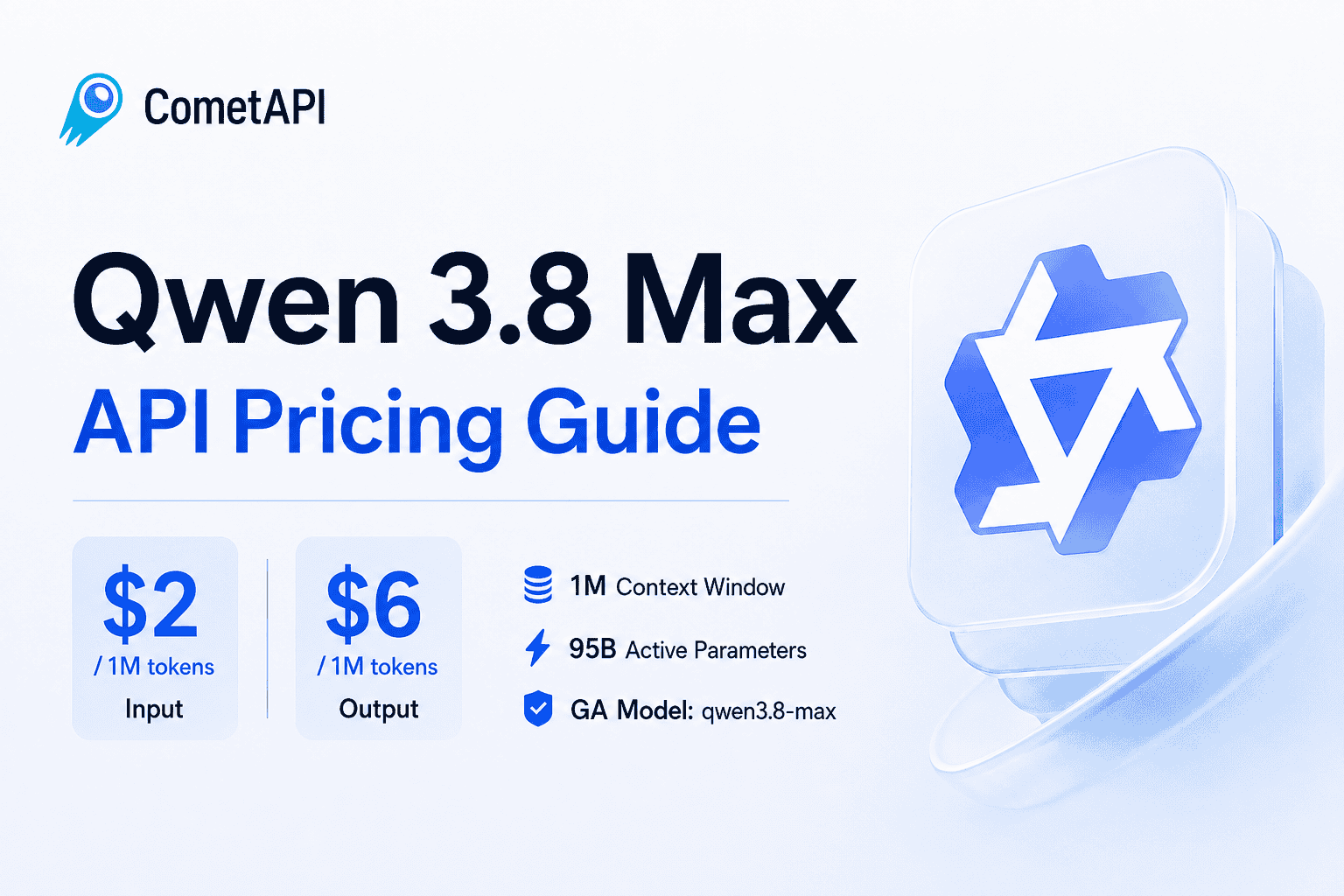
Prezzi dell'API Qwen 3.8 Max: $2 Input, $6 Output, 1M di contesto
Qwen 3.8 Max costa $2/M per l'input e $6/M per l'output. Confronta tariffe della cache, costi degli strumenti, esempi reali, limiti e consigli sulla migrazione di Qwen 3.7.
Qwen3.8 Max Preview API: accesso, disponibilità e guida alla migrazione
I don’t have real-time access to confirm whether “Qwen3.8 Max” is currently available. Here’s how to verify and decide on migration, plus what to check in detail: Availability and status - Check the official model catalog or dashboard for “Qwen3.8 Max” (GA vs beta, regional availability, quotas). - Review release notes/changelog for the 3.8 series and any deprecation notices for 3.7 Max. - Confirm SLA/support tier and incident history on the status page. - If you’re enterprise, ask your account rep for rollout timelines and quota guarantees. Pricing - Compare per‑1K token rates for input and output vs Qwen3.7 Max. - Verify context window pricing (if larger context costs more or requires a higher tier). - Check throughput tiers (requests per minute/second), burst credits, and overage fees. - Look for streaming pricing differences, batch/API bulk discounts, and any promotional credits. - Confirm fine‑tuning or dedicated capacity pricing if you use those. Access methods - REST: confirm the endpoint is unchanged and the new model identifier (e.g., model name string) for 3.8 Max. - SDKs: update client libraries to the latest version; ensure the model enumeration includes 3.8 Max. - Auth: same API keys/scopes, or new scope required for 3.8 tier. - Features: confirm streaming, tools/function calling, JSON/structured output, system prompt support, and multimodal endpoints if relevant. Key specifications to verify - Context window (max input tokens) and max output tokens. - Latency and throughput benchmarks under your typical load. - Tokenization changes that affect count and cost. - Reasoning/tool‑use capabilities, function calling reliability, and JSON mode strictness. - Multimodal: image/audio/video support and limits, if applicable. - Safety/guardrails behavior and refusal patterns vs 3.7 Max. - Determinism controls (temperature, top‑p) and stop sequence handling. - Rate limit policy and regional deployment options. Migration guidance from Qwen3.7 Max - Compatibility: ensure the 3.8 Max API contract is backward‑compatible with your parameters (temperature, top‑p, tools/functions, response schema). - Prompt porting: run A/B tests on critical prompts; adjust system/user prompt length for any context changes. - Token counts: measure before/after to avoid unexpected cost or truncation. - Quality/regression: evaluate task accuracy, reasoning, and safety for your domains; include edge cases. - Performance/cost: compare latency, throughput, and total cost per task; consider larger context trade‑offs. - Feature parity: confirm all required features (streaming, tool calling, JSON mode, multimodal) behave as expected. - Observability: add canary traffic, logging, metrics, and alerts; set error budgets. - Fallbacks: keep Qwen3.7 Max as fallback via circuit breaker/feature flags; define rollback criteria. - Compliance: verify data handling, regional residency, and policy updates. Practical next steps - Verify availability and pricing on the official model catalog/pricing page and your account dashboard. - Enable access or request quota for 3.8 Max. - Update model ID in config and SDKs; run a canary (5–10% traffic) with side‑by‑side comparisons. - Review costs and performance; tune prompts and parameters. - Roll out gradually with automated rollback to 3.7 Max if KPIs regress. If 3.8 Max isn’t GA yet or pricing/performance isn’t compelling, stay on Qwen3.7 Max and re‑evaluate when 3.8 reaches GA with stable pricing and SLAs.