OpenAI
Coming soon
O
Text Generation
GPT-6 Sol
gpt-6-sol
Text modelComing soontext-to-text
Explore the GPT-6 Sol API.
From
View pricing
Explore the GPT-6 Sol API.

GPT-6 Astra, the flagship model for complex reasoning and coding. Choose GPT-5.6 Terra to balance intelligence and cost,

GPT Image 2 is openai state-of-the-art image generation model for fast, high-quality image generation and editing. It supports flexible image sizes and high-fidelity image inputs.

Explore the gpt-oss-20b(free) API.
GPT-5.4 Mini is a lightweight and efficient AI model optimized for speed and everyday productivity. It provides reliable conversational capabilities, content generation, and task assistance while maintaining low latency and resource usage.

Explore the GPT Image 2.5(sunburst) API.
GPT-Realtime-2 is our most capable realtime voice model. It supports speech-to-speech interactions with configurable reasoning effort, stronger instruction following, and more reliable tool use for complex voice-agent workflows
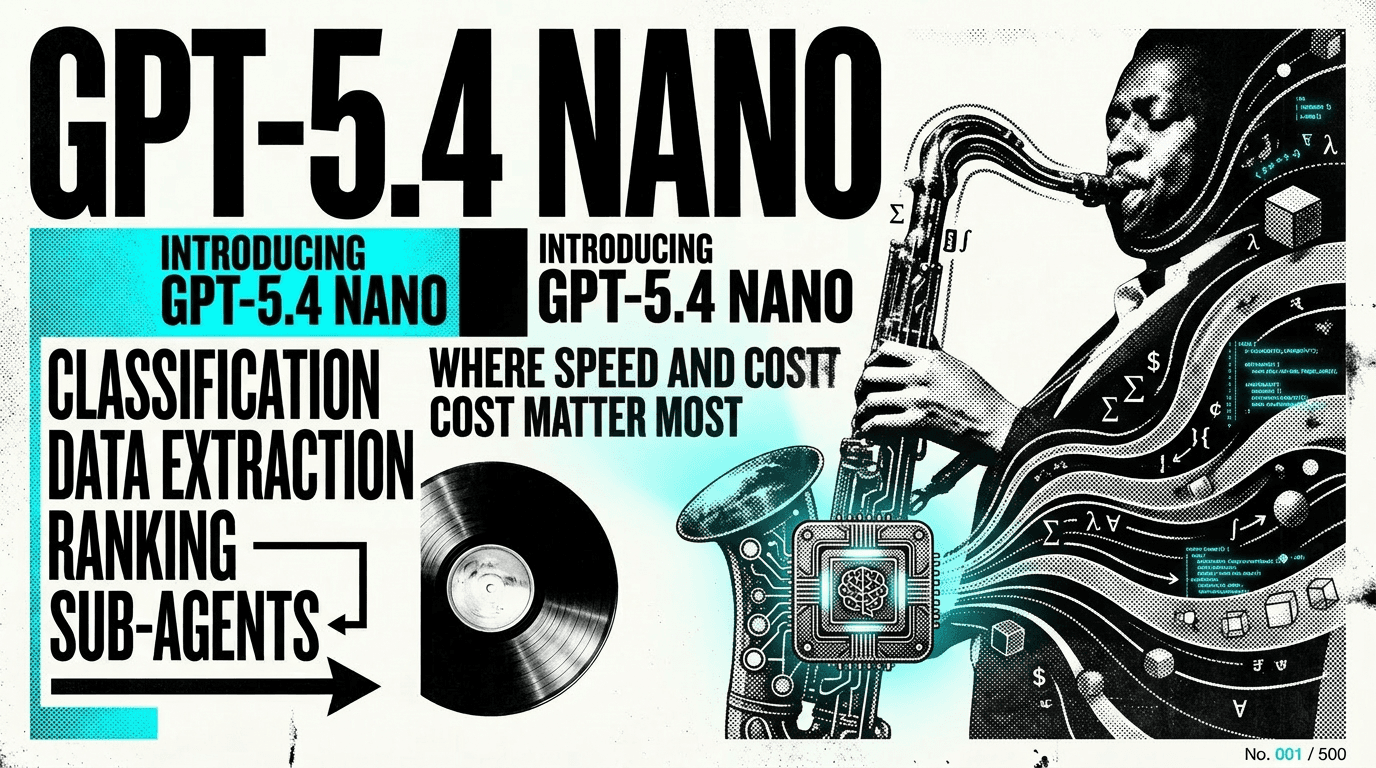
GPT-5.4 Nano is an ultra-lightweight AI model built for maximum speed and efficiency. It is optimized for simple tasks, real-time interactions, and large-scale deployments where low latency and minimal resource consumption are essential.
GPT-5.4 Pro is a high-performance AI model designed for professional and business applications. It offers strong reasoning, reliable accuracy, and efficient execution across tasks such as content creation, coding, research, and data analysis.

The best voice model for audio in, audio out.

GPT-5.5 Pro combines state-of-the-art intelligence, precision, and efficiency to tackle sophisticated challenges. From software development and data analysis to research and decision support, it delivers expert-level assistance with speed and consistency.
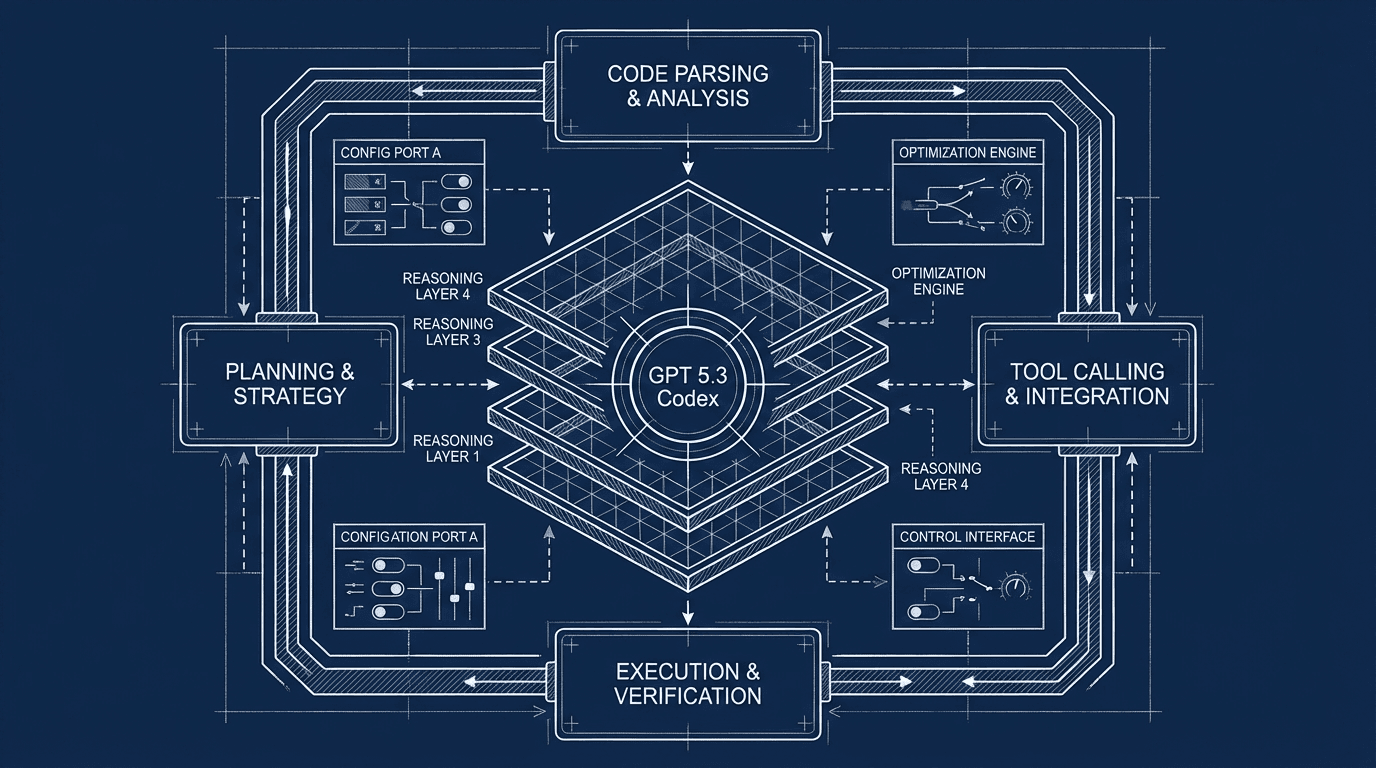
GPT-5.3-Codex is optimized for agentic coding tasks in Codex or similar environments. GPT-5.3-Codex supports low, medium, high, and xhigh reasoning effort settings.

GPT Image 2 ALL is a comprehensive image generation model designed to handle a wide range of creative and professional visual tasks. It combines high-quality image creation, advanced prompt understanding, and versatile style support to deliver exceptional results across diverse use cases.
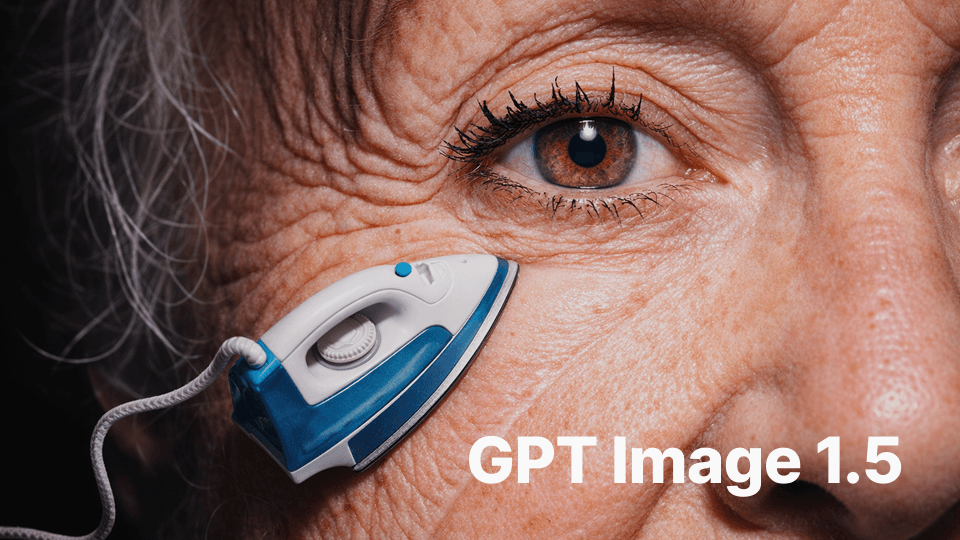
GPT-Image-1.5 is OpenAI’s image model in the GPT Image family . It is a natively multimodal GPT model designed to generate images from text prompts and to perform high-fidelity edits of input images while following user instructions closely.
gpt-5.2-pro is the highest-capability, production-oriented member of OpenAI’s GPT-5.2 family, exposed through the Responses API for workloads that demand maximal fidelity, multi-step reasoning, extensive tool use and the largest context/throughput budgets OpenAI offers.
GPT-5.1 is a general-purpose instruction-tuned language model focused on text generation and reasoning across product workflows. It supports multi-turn dialogue, structured output formatting, and code-oriented tasks such as drafting, refactoring, and explanation. Typical uses include chat assistants, retrieval-augmented QA, data transformation, and agent-style automation with tools or APIs when supported. Technical highlights include text-centric modality, instruction following, JSON-style outputs, and compatibility with function calling in common orchestration frameworks.
Cost-optimized version of GPT Image 1. It is a native Multimodal language model that accepts both text and image input and generates image output.
GPT-5 is OpenAI's most powerful coding model to date. It shows significant improvements in complex front-end generation and debugging large codebases. It can transform ideas into reality with intuitive and aesthetically pleasing results, creating beautiful and responsive websites, applications, and games with a keen sense of aesthetics, all from a single prompt. Early testers have also noted its design choices, with a deeper understanding of elements like spacing, typography, and white space.
GPT-5 Nano is an artificial intelligence model provided by OpenAI.
GPT-5 mini is OpenAI’s cost- and latency-optimized member of the GPT-5 family, intended to deliver much of GPT-5’s multimodal and instruction-following strengths at substantially lower cost for large-scale production use. It targets environments where throughput, predictable per-token pricing, and fast responses are the primary constraints while still providing strong general-purpose capabilities.
coming soon
gpt-4o-image generate images as output, optionally using images as input

Sora 2 Pro is our most advanced and powerful media generation model, capable of generating videos with synchronized Audio. It can create detailed, dynamic video clips from natural language or images.
GPT-5.2 is a multi-flavored model suite (Instant, Thinking, Pro) engineered for better long-context understanding, stronger coding and tool use, and materially higher performance on professional “knowledge-work” benchmarks.

Explore the GPT Image 2.5 Flare API.
OpenAI o3‑pro is a “pro” variant of the o3 reasoning model engineered to think longer and deliver the most dependable responses by employing private chain‑of‑thought reinforcement learning and setting new state‑of‑the‑art benchmarks across domains like science, programming, and business—while autonomously integrating tools such as web search, file analysis, Python execution, and visual reasoning within API.
OpenAI Text-to-Speech

Super powerful video generation model, with sound effects, supports chat format.
Speech to text, creating translations
.jpeg&w=3840&q=75)
Model 5.5 is a next-generation AI model designed for stronger reasoning, faster responses, and improved accuracy across a wide range of tasks. It excels at understanding complex instructions, generating high-quality content, and assisting with coding, analysis, and problem-solving.
Explore the tts-1 API.
GPT-4o mini TTS is a neural text-to-speech model designed for natural, low-latency voice generation in user-facing applications. It converts text to natural-sounding speech with selectable voices, multi-format output, and streaming synthesis for responsive experiences. Typical uses include voice assistants, IVR and contact flows, product read-aloud, and media narration. Technical highlights include API-based streaming and export to common audio formats such as MP3 and WAV.
Explore the o1-pro-2025-03-19 API.
GPT-4o Transcribe is an audio-to-text model for multilingual, low-latency speech recognition. It supports real-time streaming and batch transcription from common audio formats with punctuation and sentence segmentation. Typical uses include live captions, voice assistant input, meeting notes, and media or call recording transcription. Technical highlights include audio modality support, long-form processing, and APIs suited for interactive and server-side workflows.
GPT-5.4 is the frontier model for complex professional work. Reasoning.effort supports: none (default), low, medium, high and xhigh.
GPT-4o mini Audio Preview is a compact multimodal model for building conversational audio applications. It supports speech input and output alongside text, enabling speech recognition, speech synthesis, and mixed text-audio dialogs with tool/function calling for structured actions. Typical uses include voice assistants, streaming transcription with summarization, IVR and call-bot workflows, and audio-enabled in-app helpers. Technical highlights include audio I/O, streaming responses, instruction following, and integration via chat and tools APIs.
GPT-4o mini Realtime Preview is a real-time multimodal model for interactive voice and visual experiences. It handles speech, text, and images with streaming input and output, plus tool/function calling for grounded actions. Typical uses include voice assistants, live call handling, real-time captioning, and visual question answering over camera or screen content. Technical highlights include bidirectional audio, vision understanding, streaming responses, and structured outputs via functions.
Explore the o1-2024-12-17 API.
GPT-5.3 Instant model used in ChatGPT
GPT-4o mini Audio is a multimodal model for speech and text interactions. It performs speech recognition, translation, and text-to-speech, follows instructions, and can call tools for structured actions with streaming responses. Typical uses include real-time voice assistants, live captioning and translation, call summarization, and voice-controlled applications. Technical highlights include audio input and output, streaming responses, function calling, and structured JSON output.
Explore the omni-moderation-2024-09-26 API.
Explore the omni-moderation-latest API.
Explore the tts-1-hd-1106 API.
The best voice model for audio in, audio out with Chat Completions.
Explore the tts-1-1106 API.
GPT-Realtime-2.1 updates GPT-Realtime-2 with improved alphanumeric recognition, silence and noise handling, and interruption behavior. It supports speech-to-speech interactions with configurable reasoning effort, instruction following, and tool use for complex voice-agent workflows.
Explore the tts-1-hd API.

Start with GPT-5.6 Sol for complex reasoning and coding, choose GPT-5.6 Terra to balance intelligence and cost, or use GPT-5.6 Luna for cost-sensitive, high-volume workloads.
An Ada-based text embedding model optimized for various NLP tasks.
A small text embedding model for efficient processing.
A large text embedding model for a wide range of natural language processing tasks.
An advanced AI model for generating images from text descriptions.
New version of DALL-E for image generation.

Coming Soon

Coming Soon

coming soon
O4-mini is an artificial intelligence model provided by OpenAI.
O3-mini is an artificial intelligence model provided by OpenAI.
O3 is an artificial intelligence model provided by OpenAI.
O1-pro is an artificial intelligence model provided by OpenAI.
O1 is an artificial intelligence model provided by OpenAI.
gpt-oss-20b is an artificial intelligence model provided by cloudflare-workers-ai.
gpt-oss-120b is an artificial intelligence model provided by cloudflare-workers-ai.
GPT-4o mini is an artificial intelligence model provided by OpenAI.
GPT-4o is OpenAI's most advanced Multimodal model, faster and cheaper than GPT-4 Turbo, with stronger visual capabilities. This model has a 128K context and a knowledge cutoff of October 2023. Models in the 1106 series and above support tool_calls and function_call. This model supports a maximum context length of 128,000 tokens.
GPT-4.1 nano is an artificial intelligence model provided by OpenAI. gpt-4.1-nano: Features a larger context window—supporting up to 1 million context tokens and capable of better utilizing that context through improved long-context understanding. Has an updated knowledge cutoff time of June 2024. This model supports a maximum context length of 1,047,576 tokens.
GPT-4.1 mini is an artificial intelligence model provided by OpenAI. gpt-4.1-mini: A significant leap in small model performance, even beating GPT-4o in many benchmarks. It meets or exceeds GPT-4o in intelligence evaluation while reducing latency by nearly half and cost by 83%. This model supports a maximum context length of 1,047,576 tokens.
GPT-4.1 is an artificial intelligence model provided by OpenAI. gpt-4.1-nano: Features a larger context window—supporting up to 1 million context tokens and capable of better utilizing that context through improved long-context understanding. Has an updated knowledge cutoff time of June 2024. This model supports a maximum context length of 1,047,576 tokens.